Project Portfolio

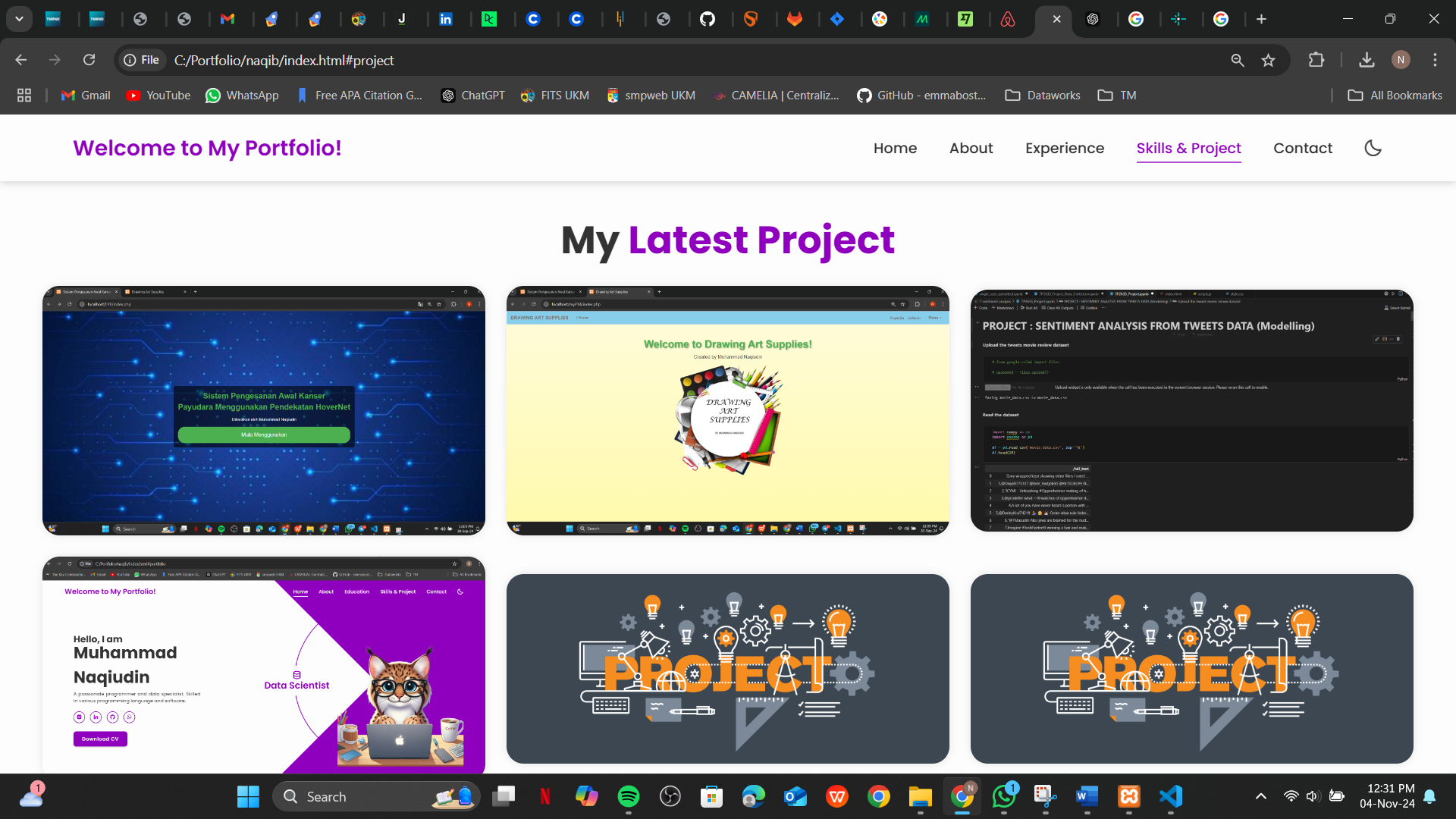
Explore My Projects

Detailed breakdown of each project — from concept to execution.

Back to Home

Final Year Project

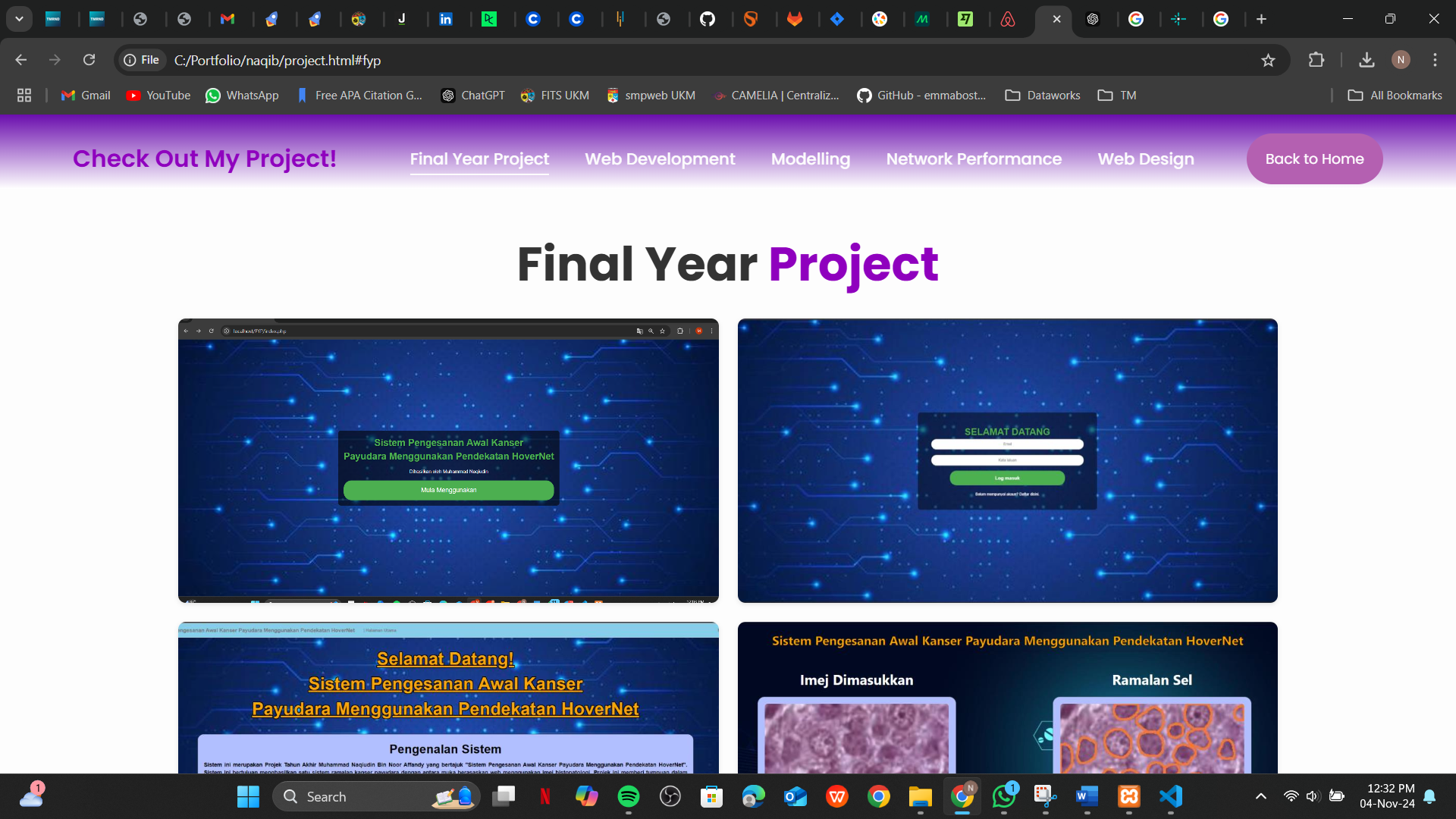
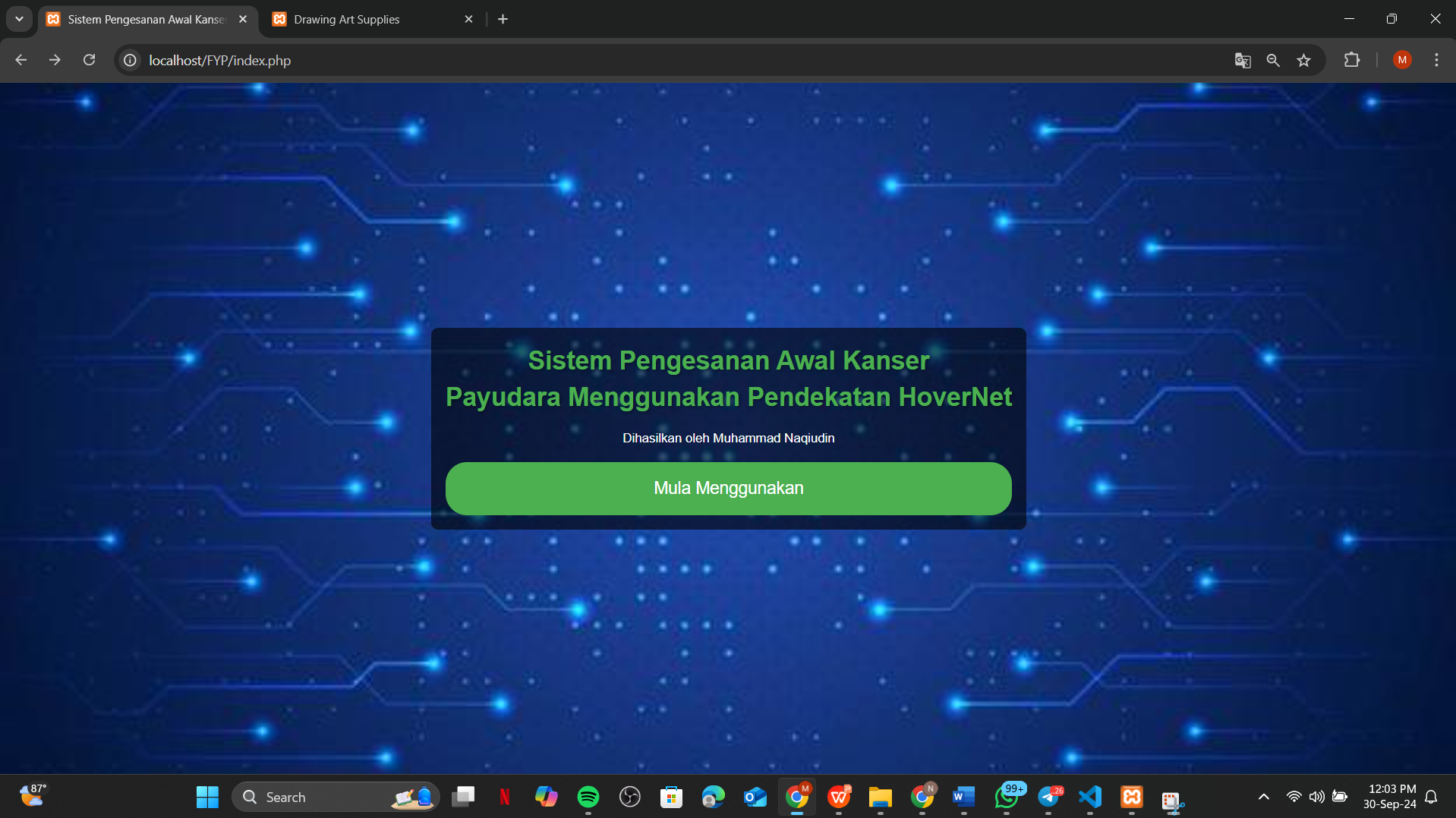
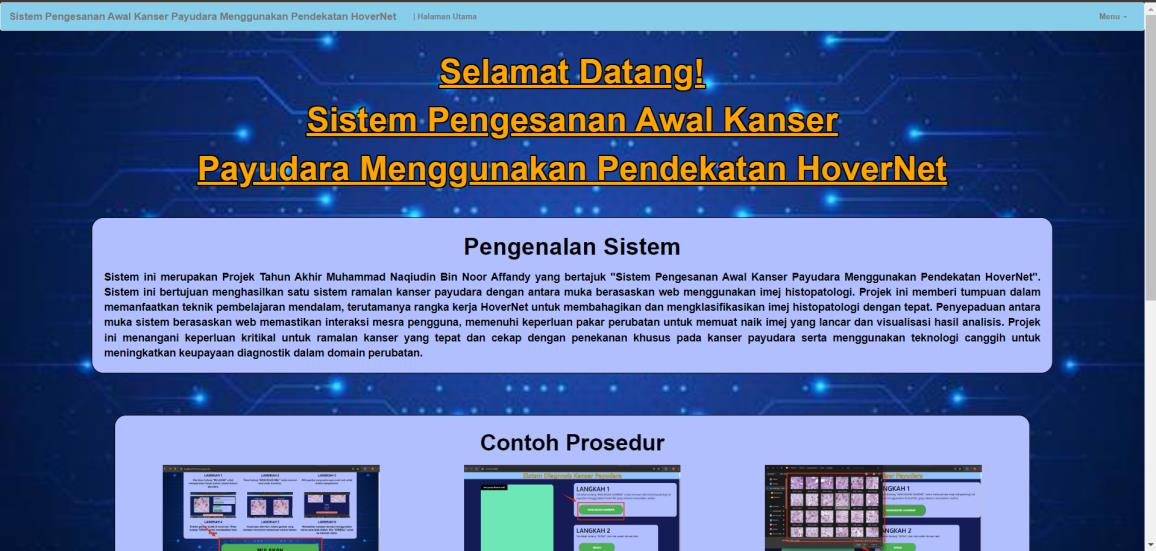
Breast Cancer Prediction System - Overview
Breast Cancer Prediction System - Analysis
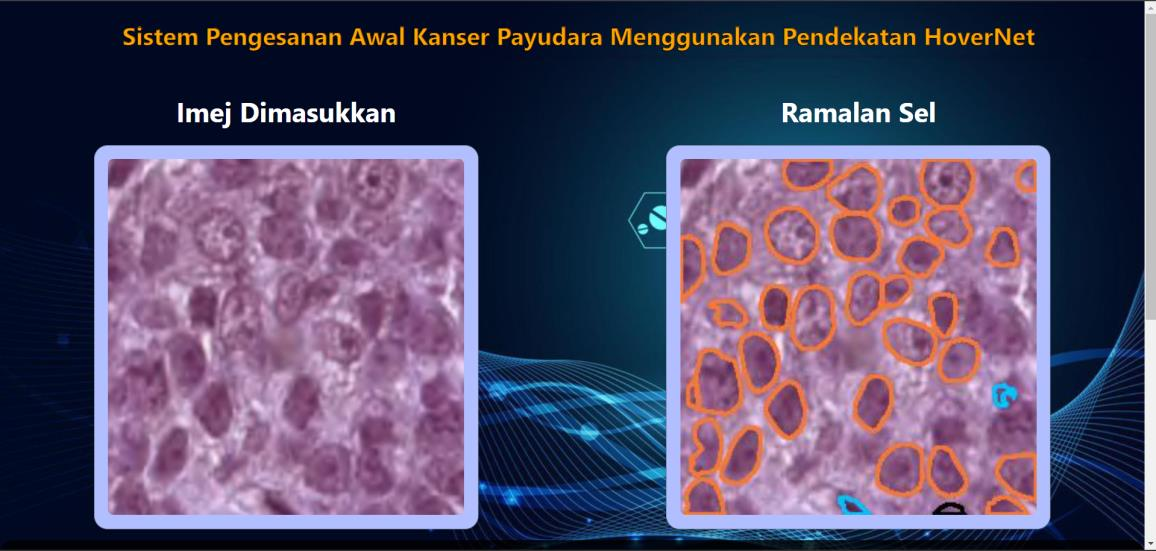
Breast Cancer Prediction System - Results
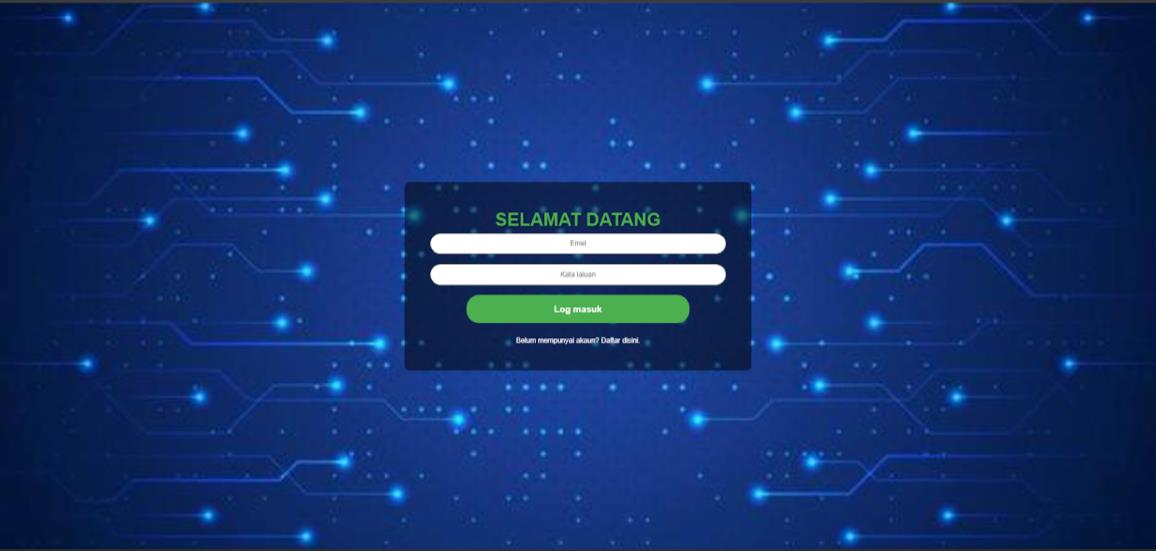
Breast Cancer Prediction System - Interface

Breast Cancer Prediction Using HoverNet Approach System

This project serves as my Final Year Project and focuses on developing a comprehensive web-based system for Breast Cancer Prediction. Leveraging cutting-edge deep learning techniques, the system implements the HoverNet framework to perform simultaneous segmentation and classification of nuclei in histopathology images. The primary objective is to analyze data from the PanNuke dataset and accurately predict cancerous cells, thereby enhancing diagnostic efficiency and accuracy for medical professionals.

The web application is built using Python and the Django framework, with an intuitive interface designed with HTML, CSS, and PHP. The back-end incorporates SQL for database management, enabling secure and efficient data handling. Development was conducted in Visual Studio Code, utilizing Excel for data preprocessing and analysis.

Key Features:

  • Deep learning integration using the HoverNet framework for precise segmentation and classification of nuclei.
  • Seamless analysis of histopathology images from the PanNuke dataset.
  • Web-based interface for easy accessibility and usability by medical professionals.
  • Improved diagnostic workflows by providing accurate and timely cancer predictions.

Tools Used:

PythonPython
JavaScriptJavaScript
HTMLHTML
MySQLMySQL
PHPPHP
XAMPPXAMPP
phpMyAdminphpMyAdmin
ExcelExcel
VS CodeVS Code
FigmaFigma
Jupyter NotebookJupyter
BootstrapBootstrap
Web Development Project

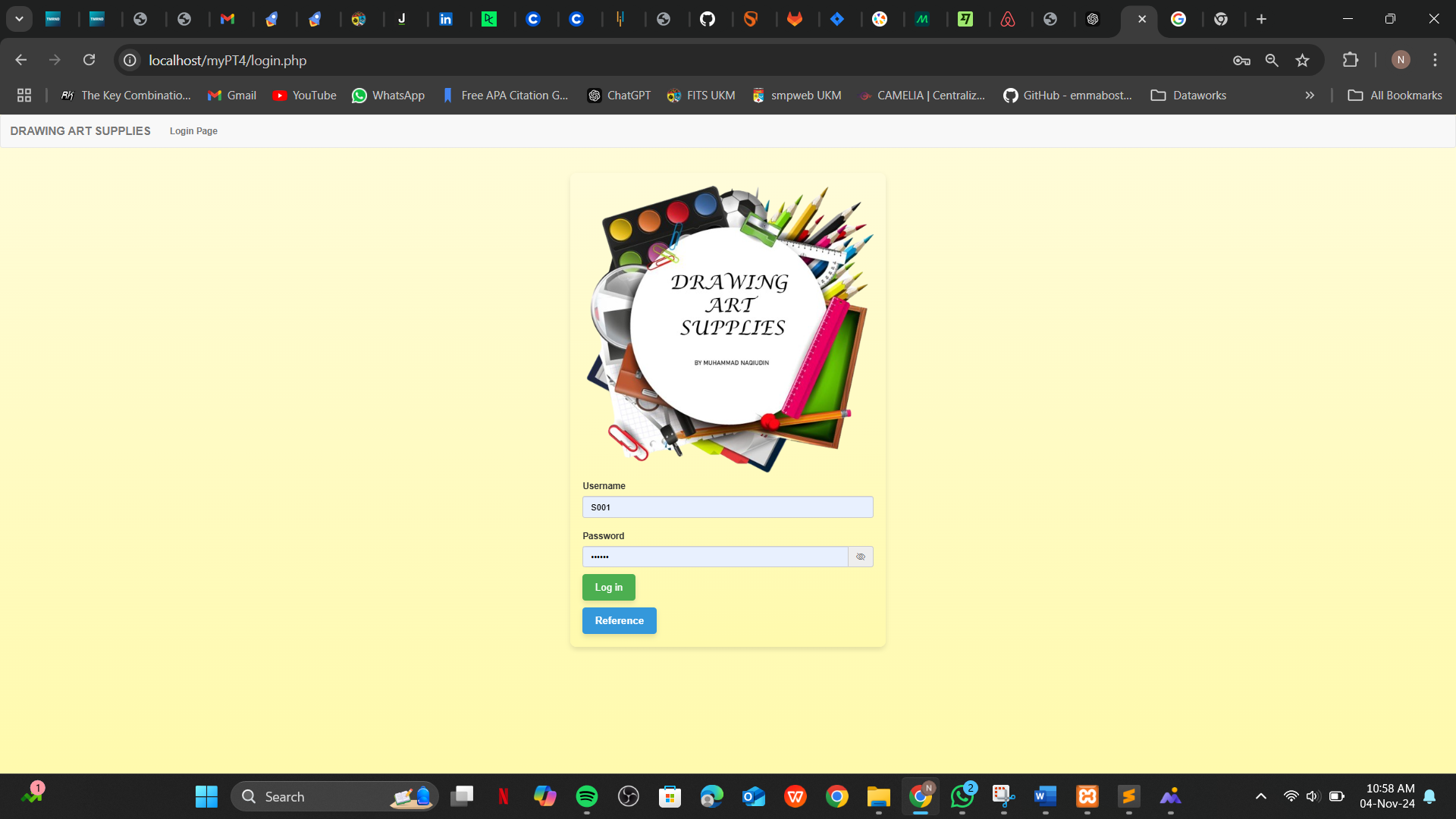
Product Catalog - Home
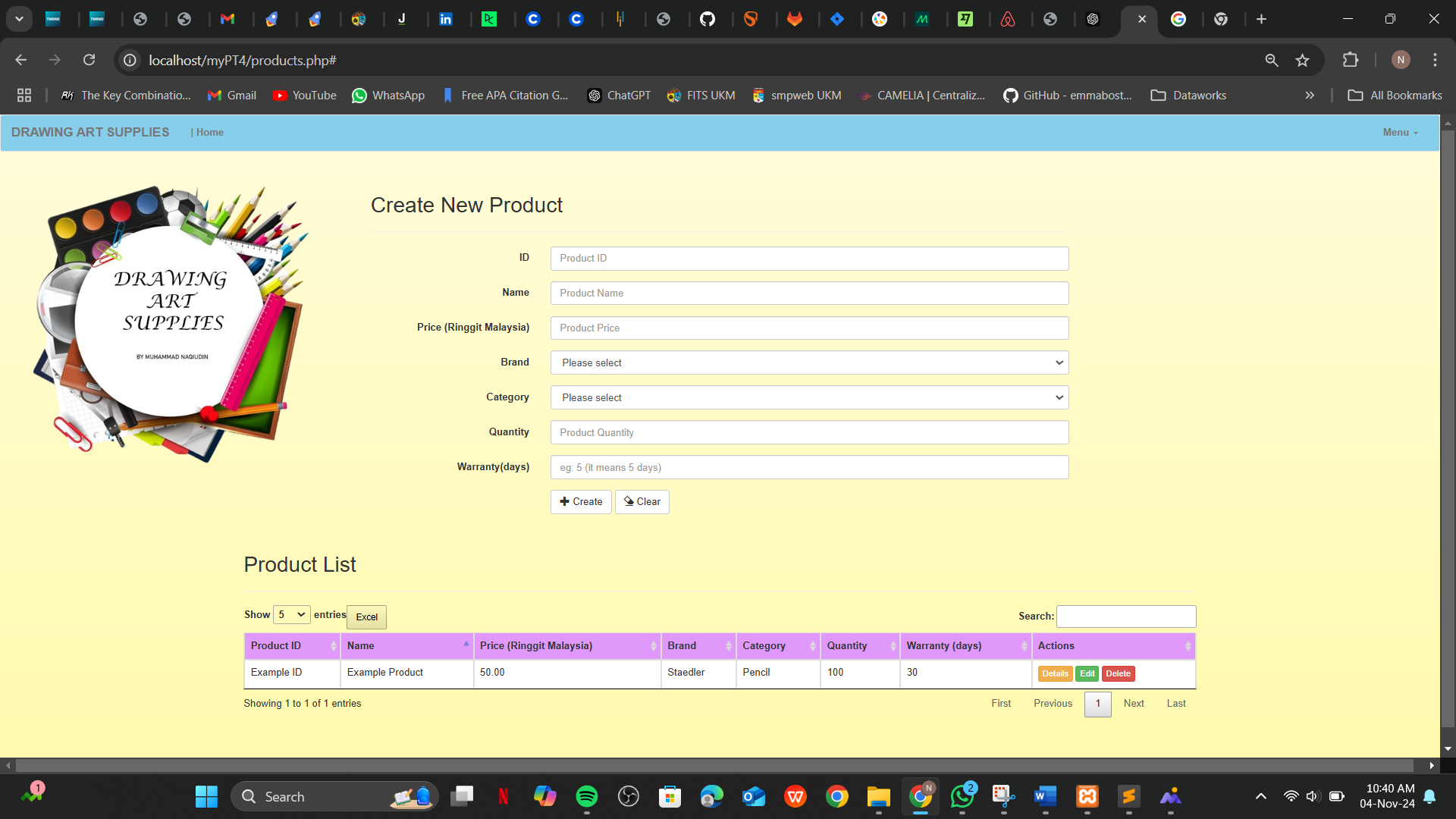
Product Catalog - Listing
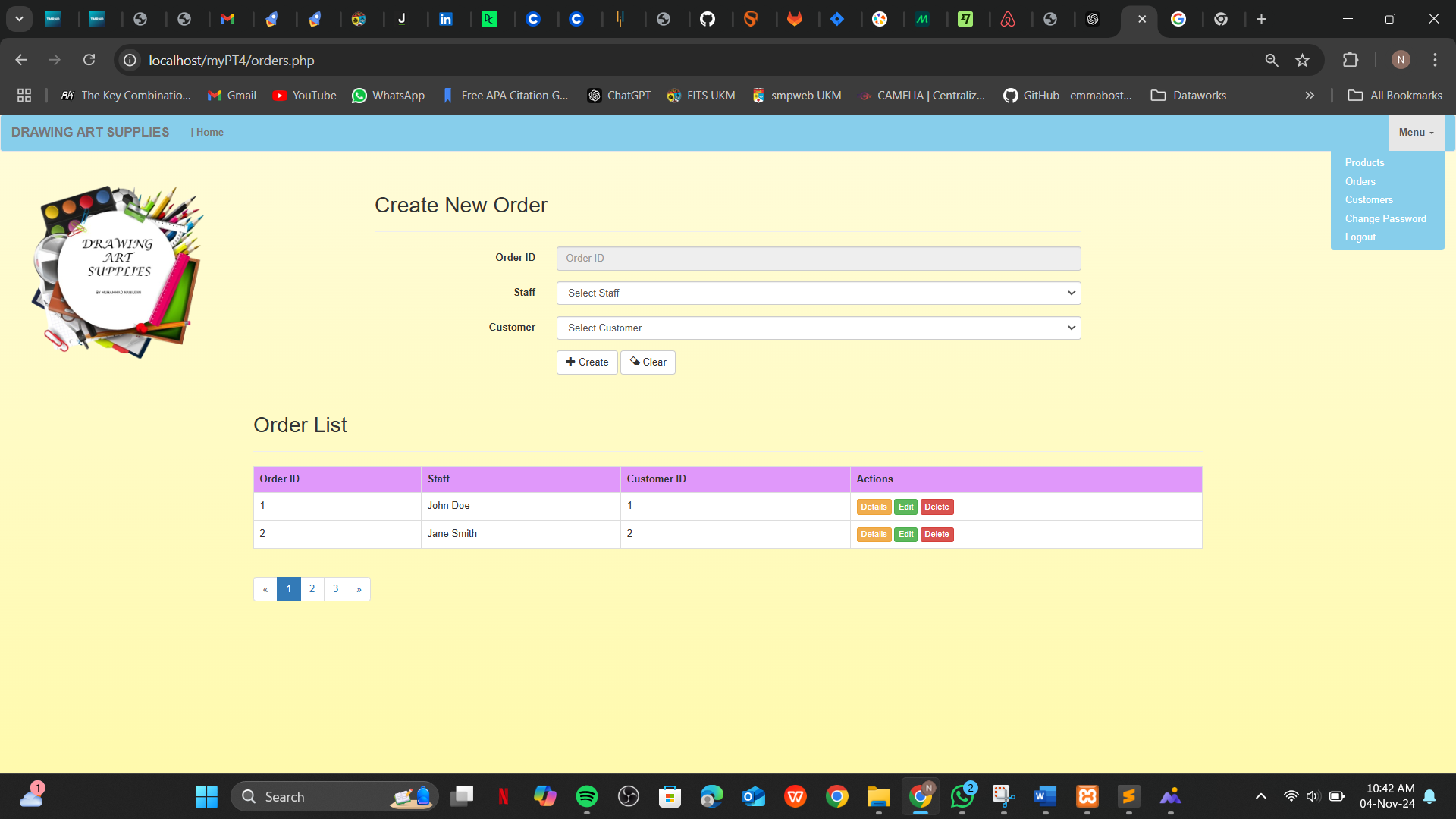
Product Catalog - Admin
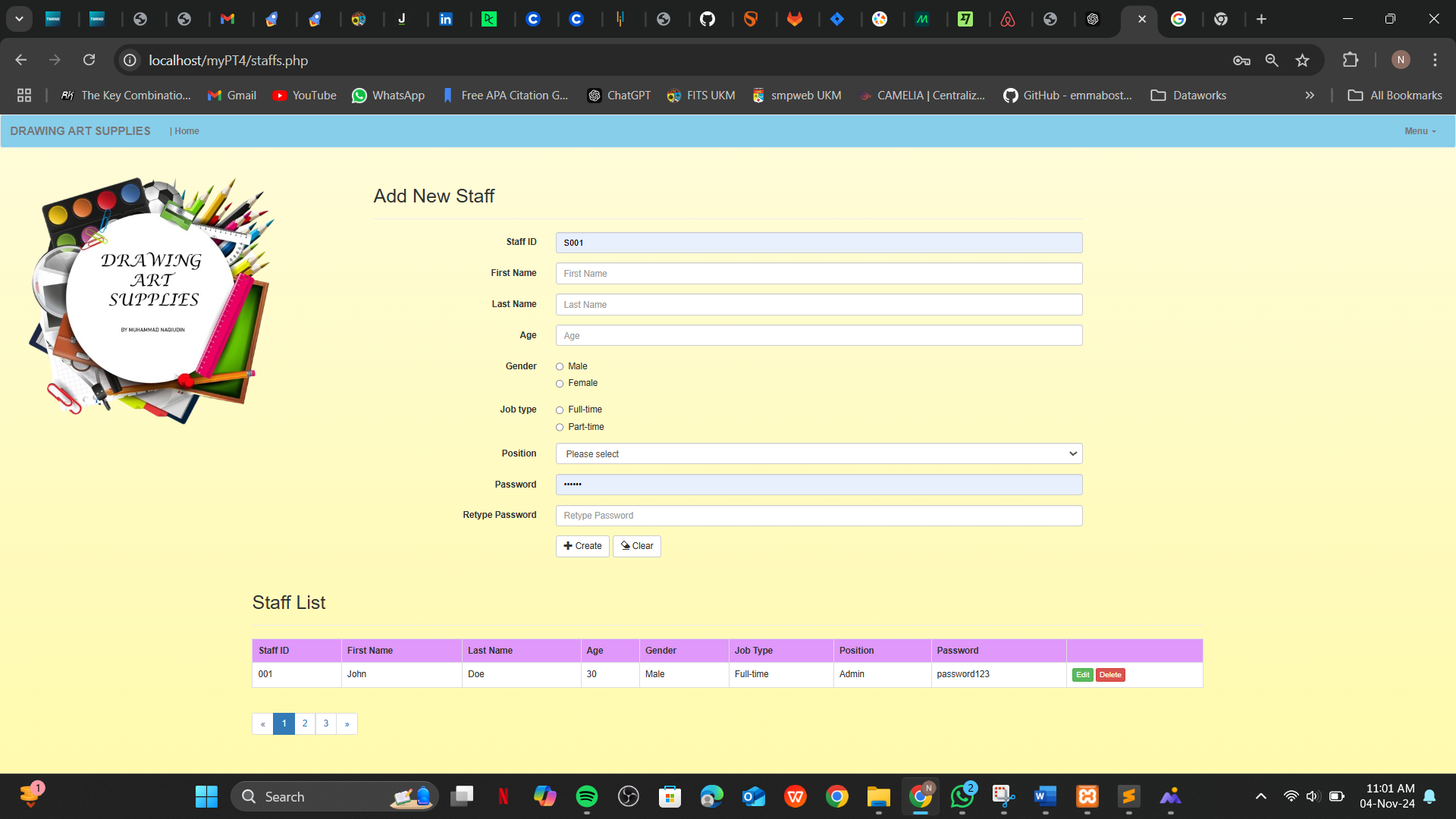
Product Catalog - Details
Product Catalog - Cart
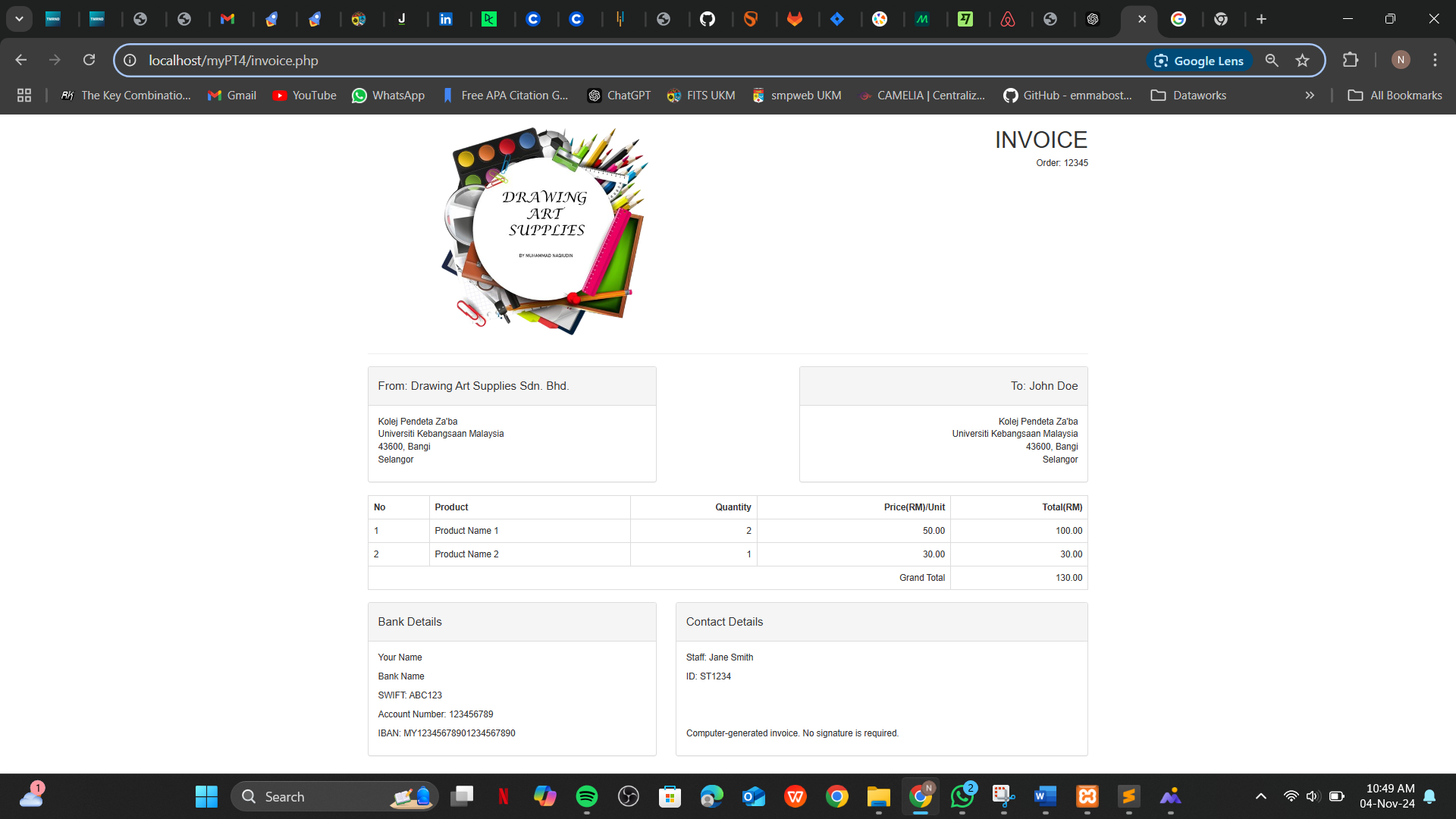
Product Catalog - Invoice
Product Catalog - Users
Product Catalog - Dashboard

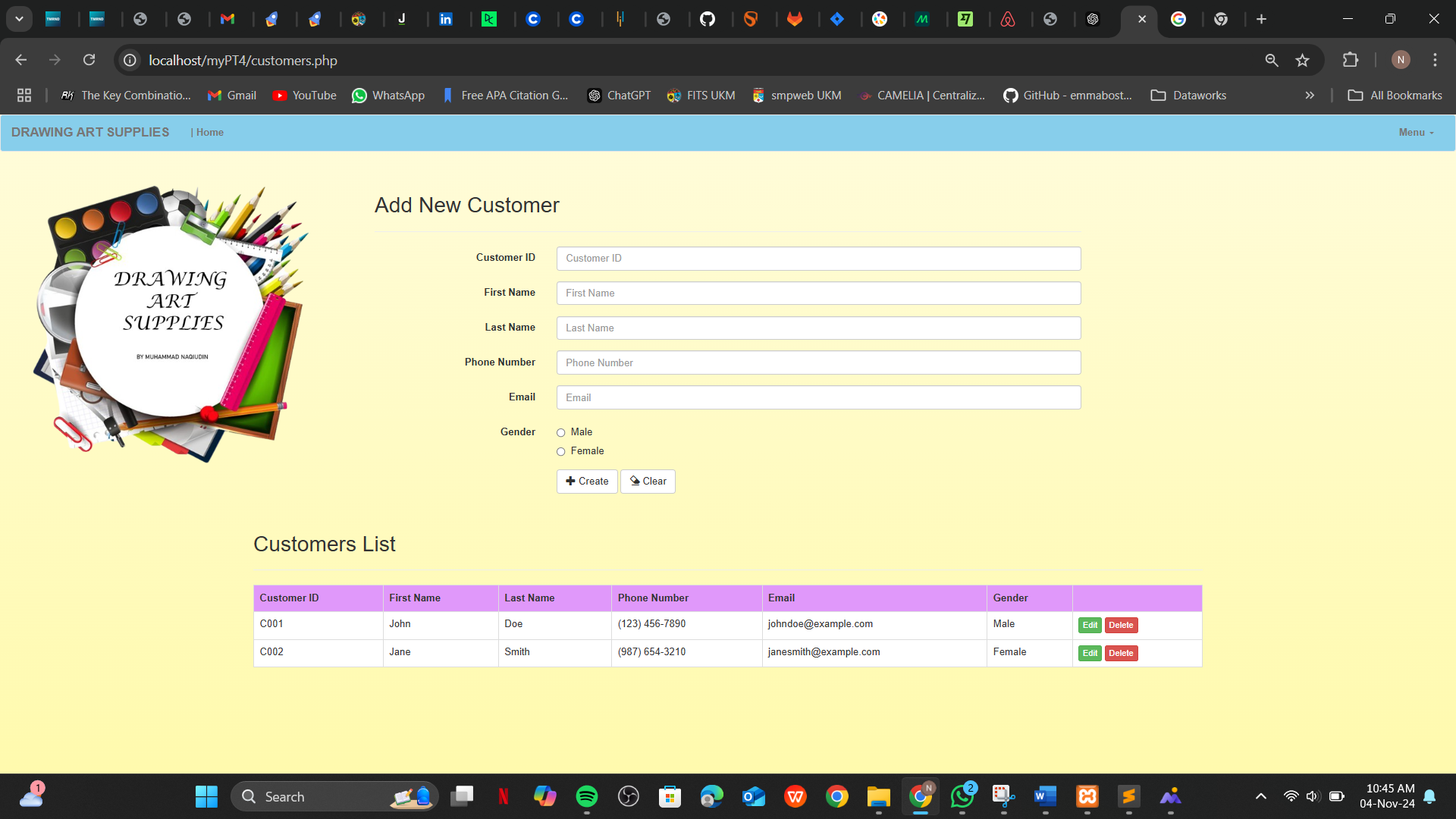
Web-Based System: Product Catalog

This project is a Product Catalog designed for managing and showcasing a variety of drawing tools. The web-based platform offers a user-friendly interface where users can browse, view, and select products, with detailed information about each tool. Built using HTML, CSS, PHP, and JavaScript, the system ensures a smooth and responsive experience for all users.

The application was developed on UKM's server, with backend functionality implemented using PHP and SQL. The design leverages HTML, CSS, Bootstrap, and JavaScript for an intuitive and visually appealing interface. The project was coded using Sublime Text and tested locally with XAMPP.

Key Features:

  • Admin functionality to manage products, including adding, editing, and deleting items.
  • Ability to upload and display product images in the catalog.
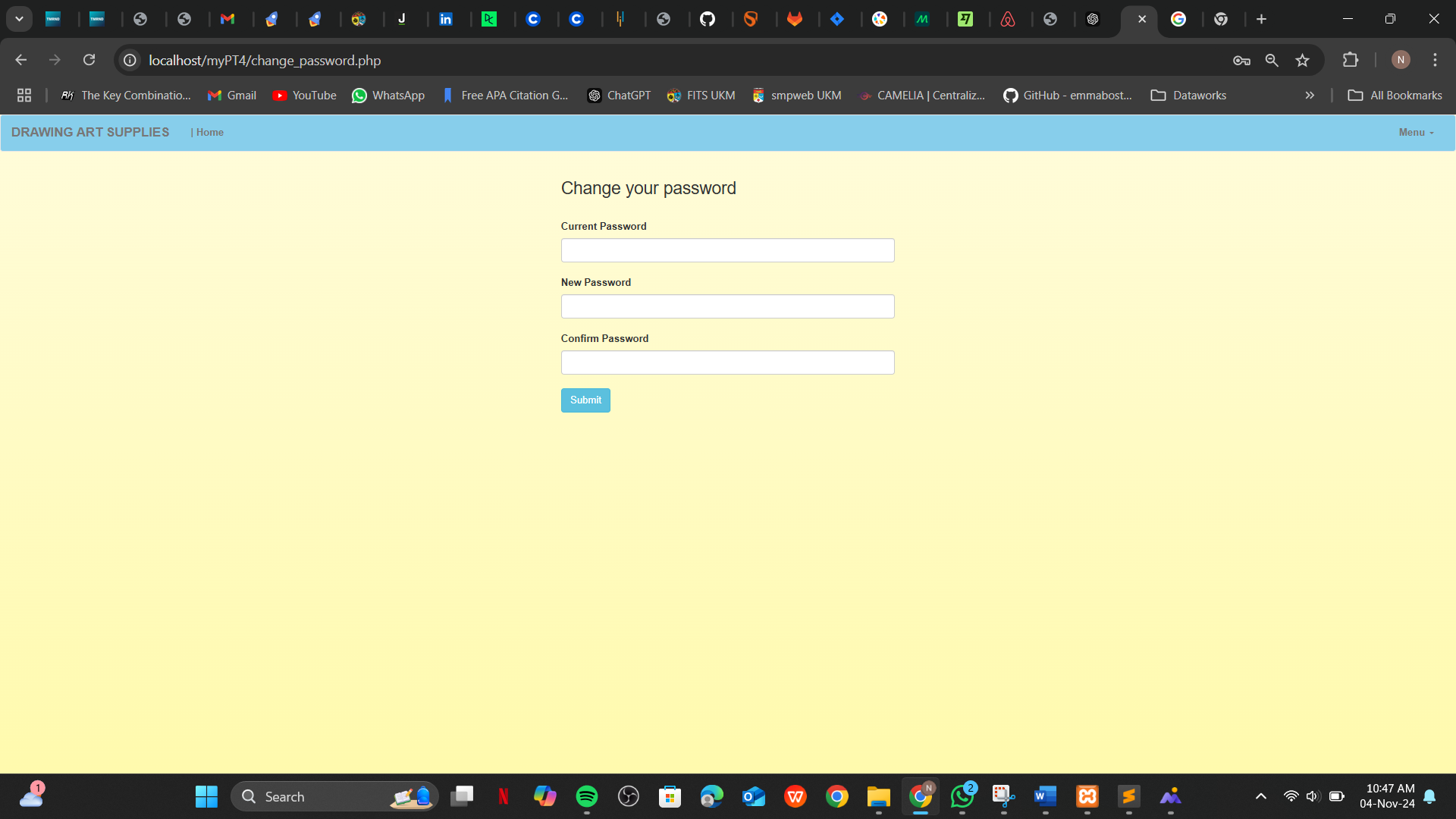
  • Support for multiple user roles: Admin, Supervisor, and Normal Users, each with specific permissions.
  • Customer and staff management, including registration and account updates.
  • Invoice generation for purchases to streamline customer transactions.
  • Responsive design ensuring usability across devices.

Tools Used:

JavaScriptJavaScript
HTMLHTML
MySQLMySQL
PHPPHP
XAMPPXAMPP
phpMyAdminphpMyAdmin
VS CodeVS Code
BootstrapBootstrap
Modelling Project

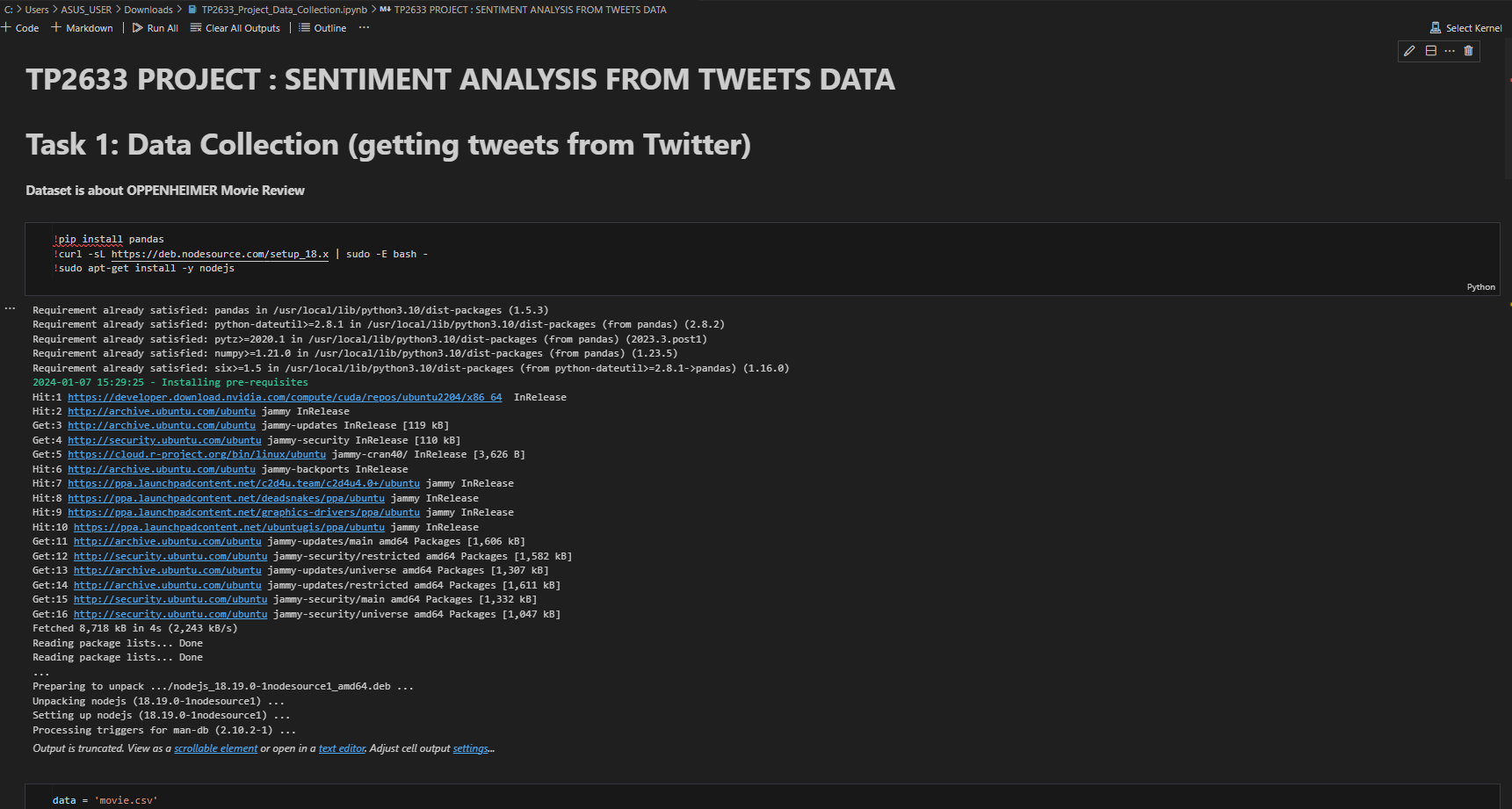
Sentiment Analysis - Overview
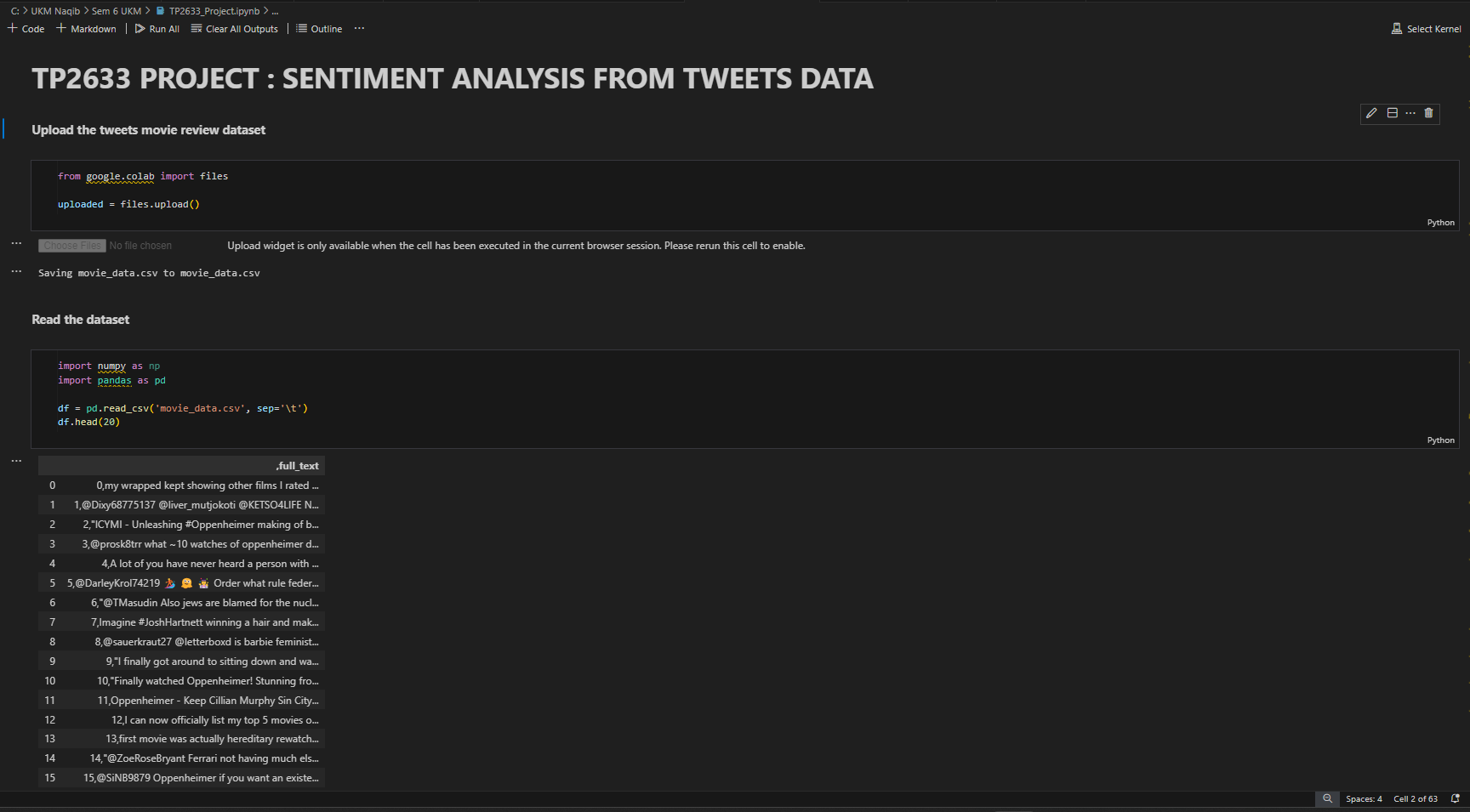
Sentiment Analysis - EDA
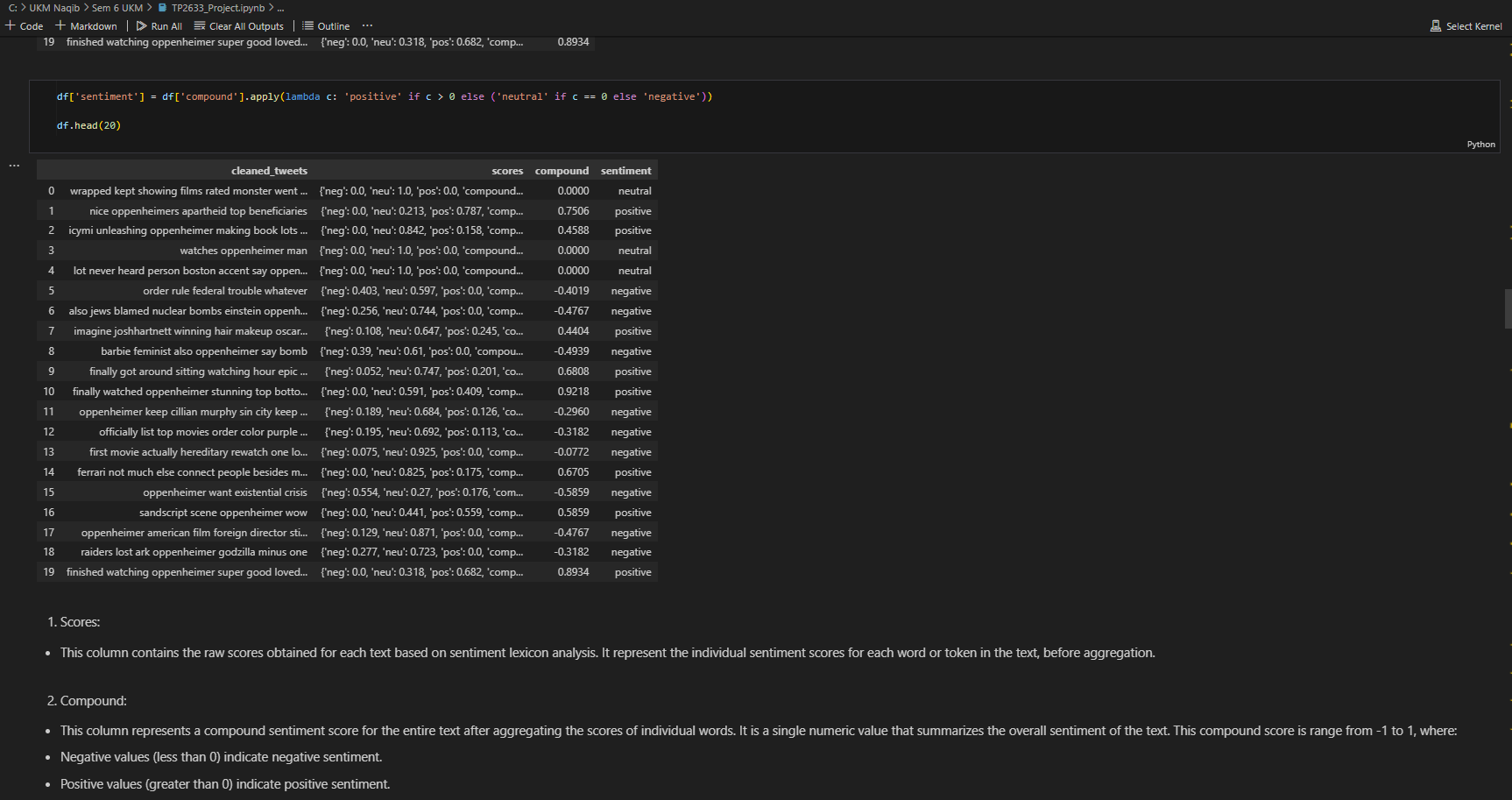
Sentiment Analysis - Models
Sentiment Analysis - Results

Sentiment Analysis Model from Tweets Data

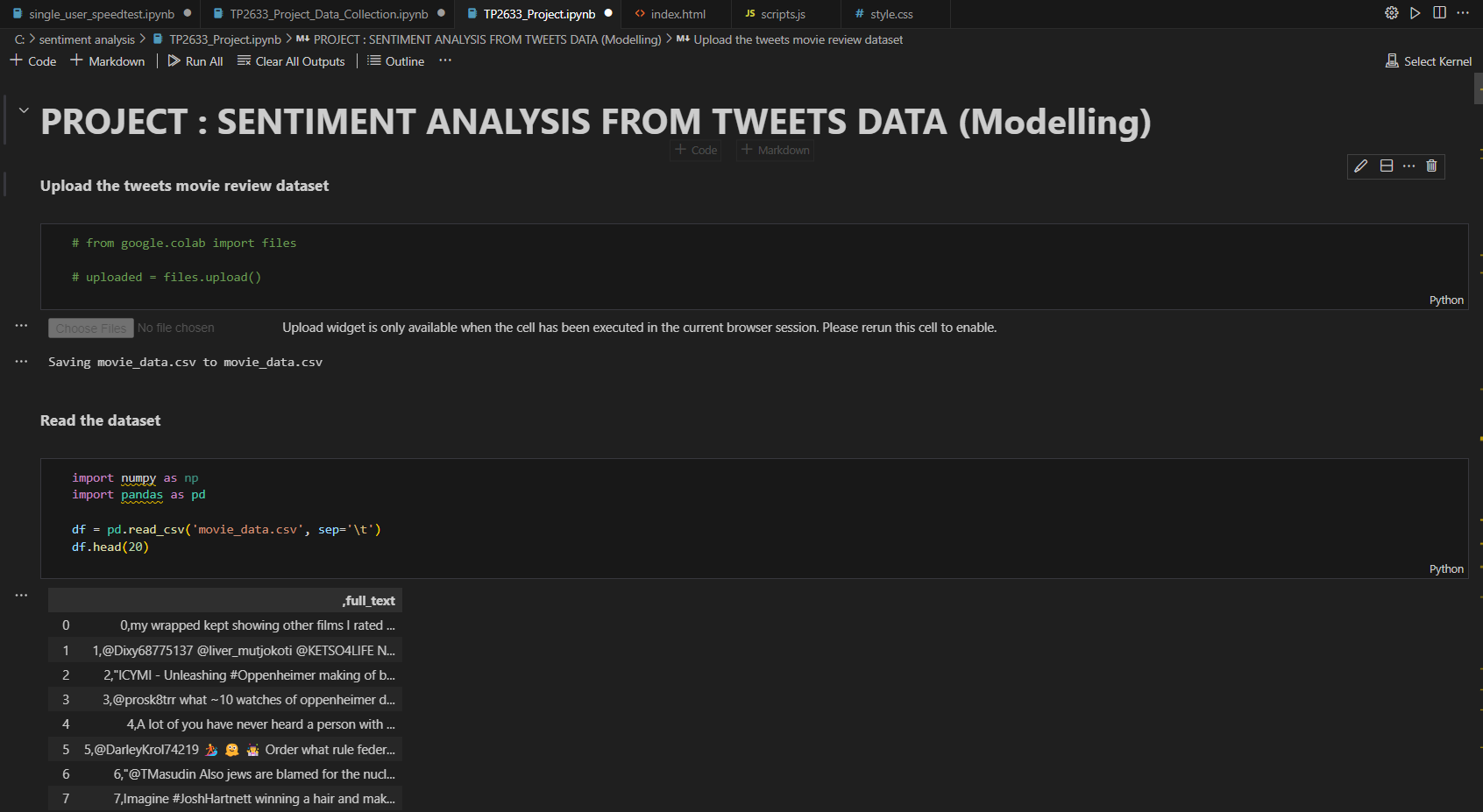
This project involves developing a Sentiment Analysis Model that classifies tweets into positive, negative, or neutral sentiments. Using the "movie_data.csv" dataset, which contains tweet data collected from Twitter, the project aims to preprocess text data and evaluate multiple machine learning classifiers to determine their accuracy in sentiment prediction.

The preprocessing phase includes tasks such as text cleaning, tokenization, and vectorization. The processed data is then used to train three different machine learning models: Logistic Regression, Naive Bayes, and Support Vector Machines (SVM). Each model is evaluated based on its performance in classifying sentiments, providing valuable insights into public opinions on various topics.

Key Features:

  • Text preprocessing, including cleaning, tokenization, and vectorization, to prepare the data for analysis.
  • Implementation and comparison of three machine learning classifiers: Logistic Regression, Naive Bayes, and SVM.
  • Evaluation of each classifier's performance to determine the most accurate model for sentiment prediction.
  • Analysis of public opinions using tweet sentiment classification to gain actionable insights.

Tools Used:

PythonPython
Jupyter NotebookJupyter
ExcelExcel
Power BIPower BI

Web Design Project

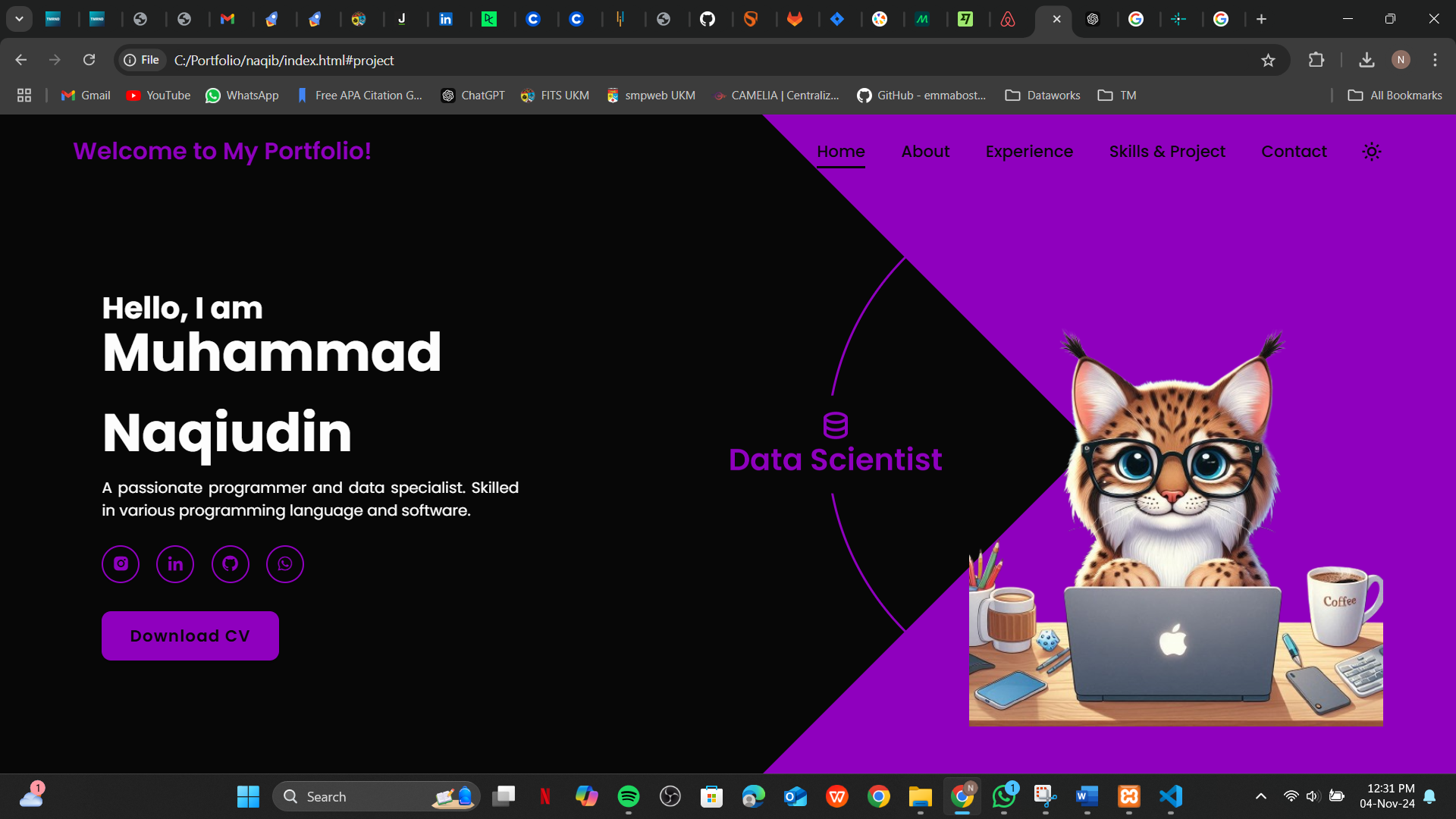
Portfolio Design - Home
Portfolio Design - About
Portfolio Design - Skills
Portfolio Design - Projects
Portfolio Design - Contact
Portfolio Design - Footer

My Personal Portfolio

This is a personal project where I created My Own Portfolio to showcase my web design skills. The portfolio is designed with a focus on responsiveness and visual appeal. It demonstrates my ability to create interactive and dynamic web pages using core web technologies such as HTML, CSS, and JavaScript.

The portfolio features a range of design elements including responsive layouts, smooth animations, and a user-friendly interface. It is fully optimized to adapt to different screen sizes, ensuring that visitors can enjoy a seamless browsing experience, whether they are on desktop or mobile devices.

Key Features:

  • Responsive layout design for an optimal viewing experience on any device.
  • Interactive and engaging animations to enhance user experience.
  • User-friendly interface to present skills, projects, and contact information.
  • Customizable design, allowing for future updates and additions.

Tools Used:

JavaScriptJavaScript
HTMLHTML
VS CodeVS Code
CSSCSS
BootstrapBootstrap
Drawing Art Tools Application

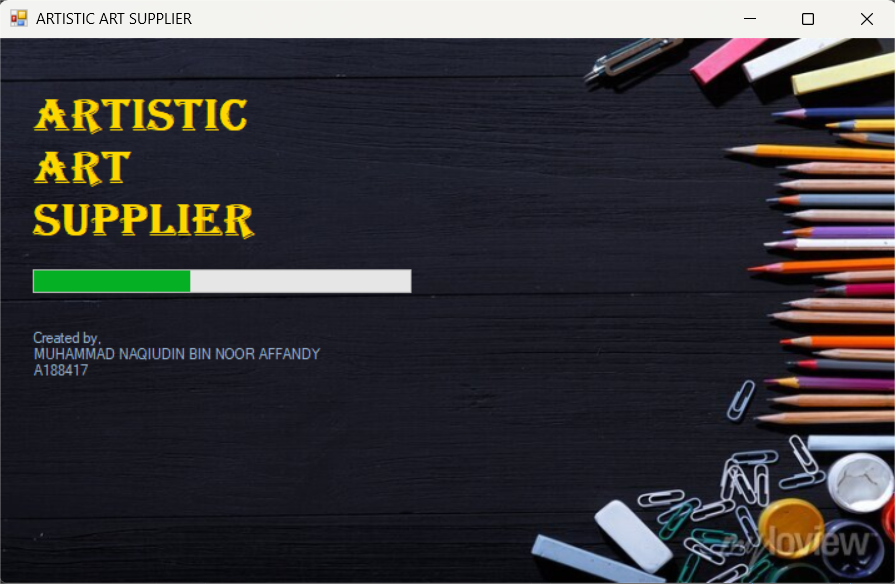
Drawing App - Main
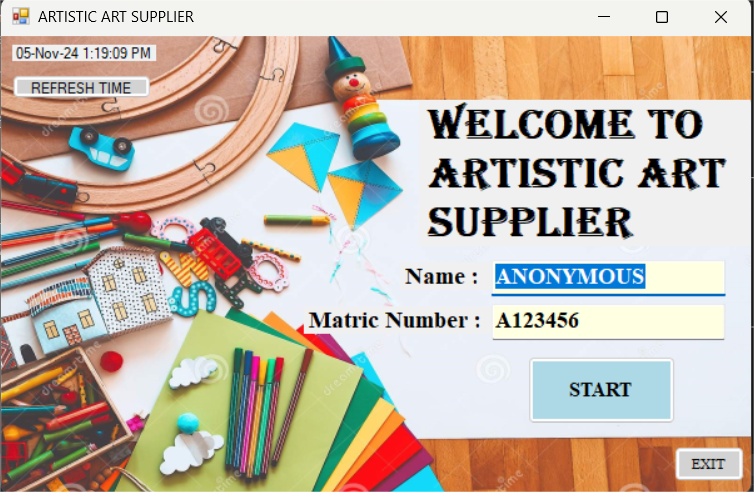
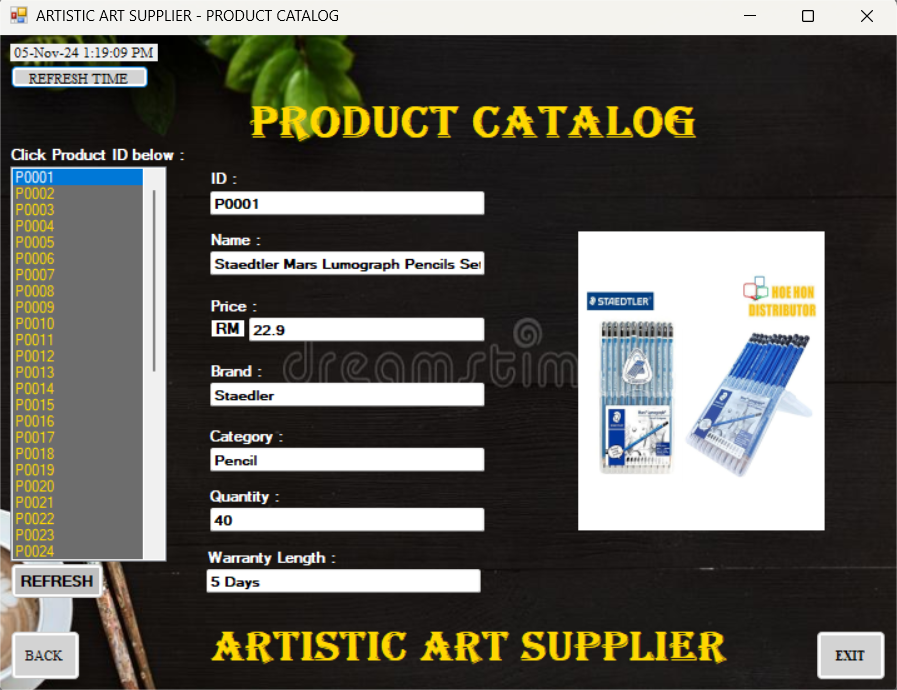
Drawing App - Products
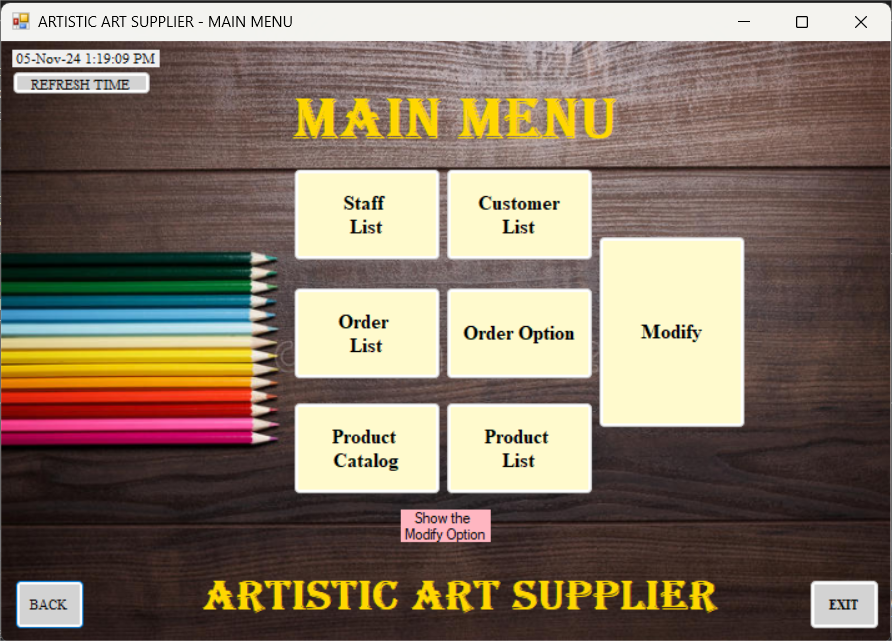
Drawing App - Orders
Drawing App - Edit
Drawing App - Delete
Drawing App - Report

Product Catalog for Drawing Art Tools Application

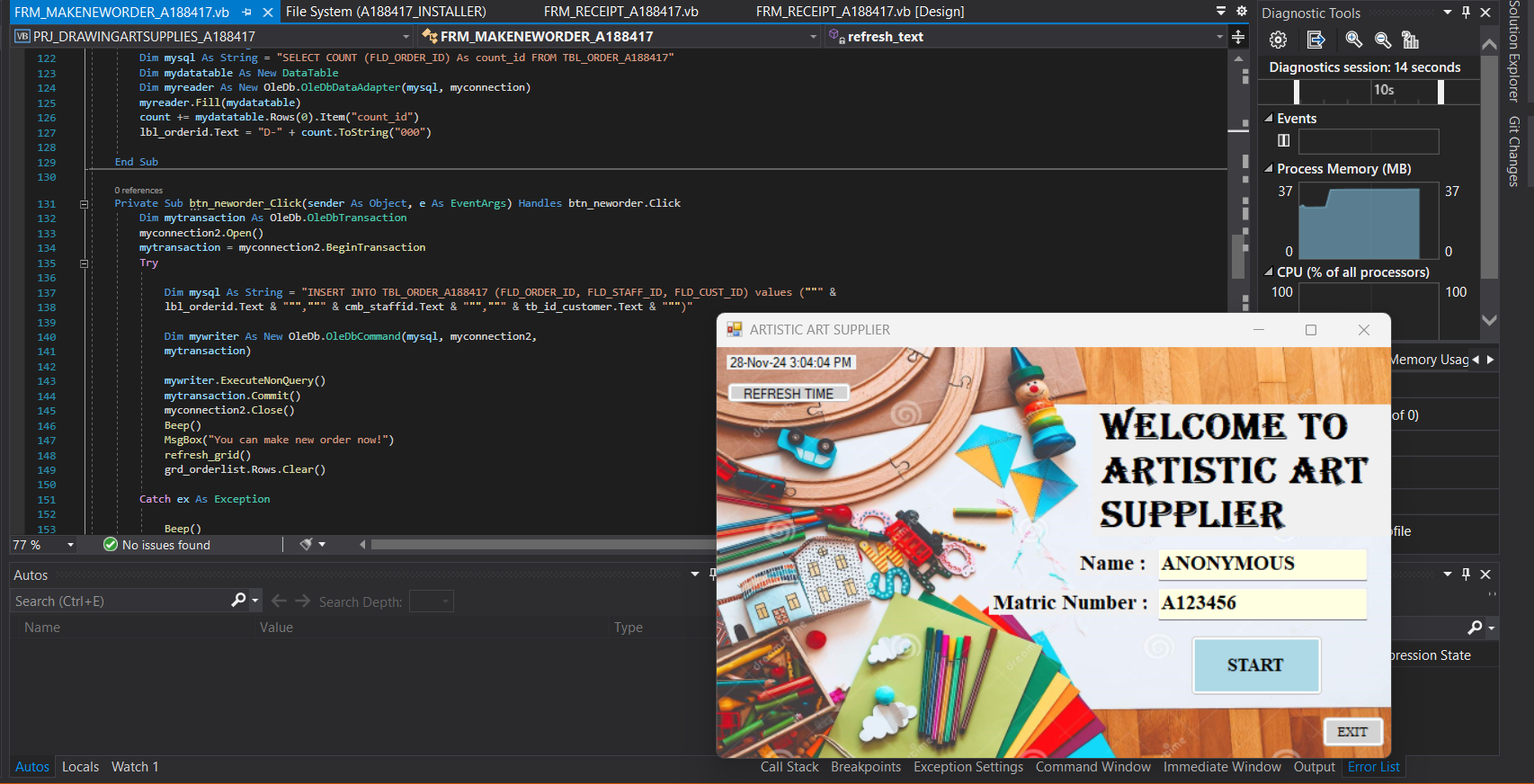
This project involves the creation of a Product Catalog for Drawing Art Tools application, built using Visual Studio 2019 with Visual Basic (VB), an Access Database for data storage, and MySQL for handling product and order data efficiently. The application provides an intuitive interface to create, update, and delete orders while managing a catalog of various drawing tools.

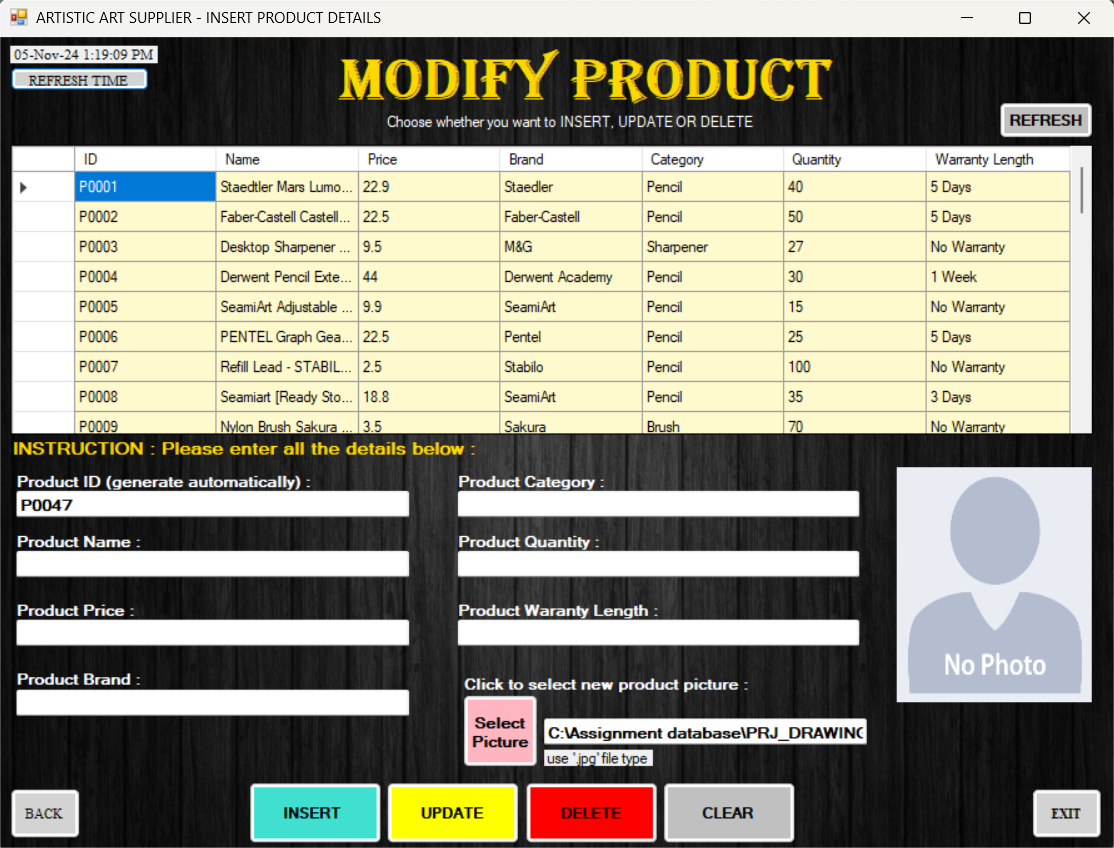
The system is designed to allow users to view and manage products, including adding new products, editing existing ones, and deleting items from the catalog. Additionally, users can place orders, track their status, and perform necessary updates to keep the catalog and orders up to date.

Key Features:

  • Product catalog management, including adding, editing, and deleting drawing art tools.
  • Order creation, update, and deletion functionalities for an efficient order management system.
  • Integration with Access Database and MySQL to store product and order information.
  • User-friendly interface designed with Visual Basic (.vb files) for smooth navigation.
  • Seamless connection between the application and the backend database for real-time updates.

Project File: PRJ_DRAWINGARTSUPPLIES_A188417.sln

Tools Used:

Visual StudioVisual Studio
AccessAccess
SQLSQL
VB.NETVB.NET

Customer Segmentation using K-Means Clustering

K-Means - Overview
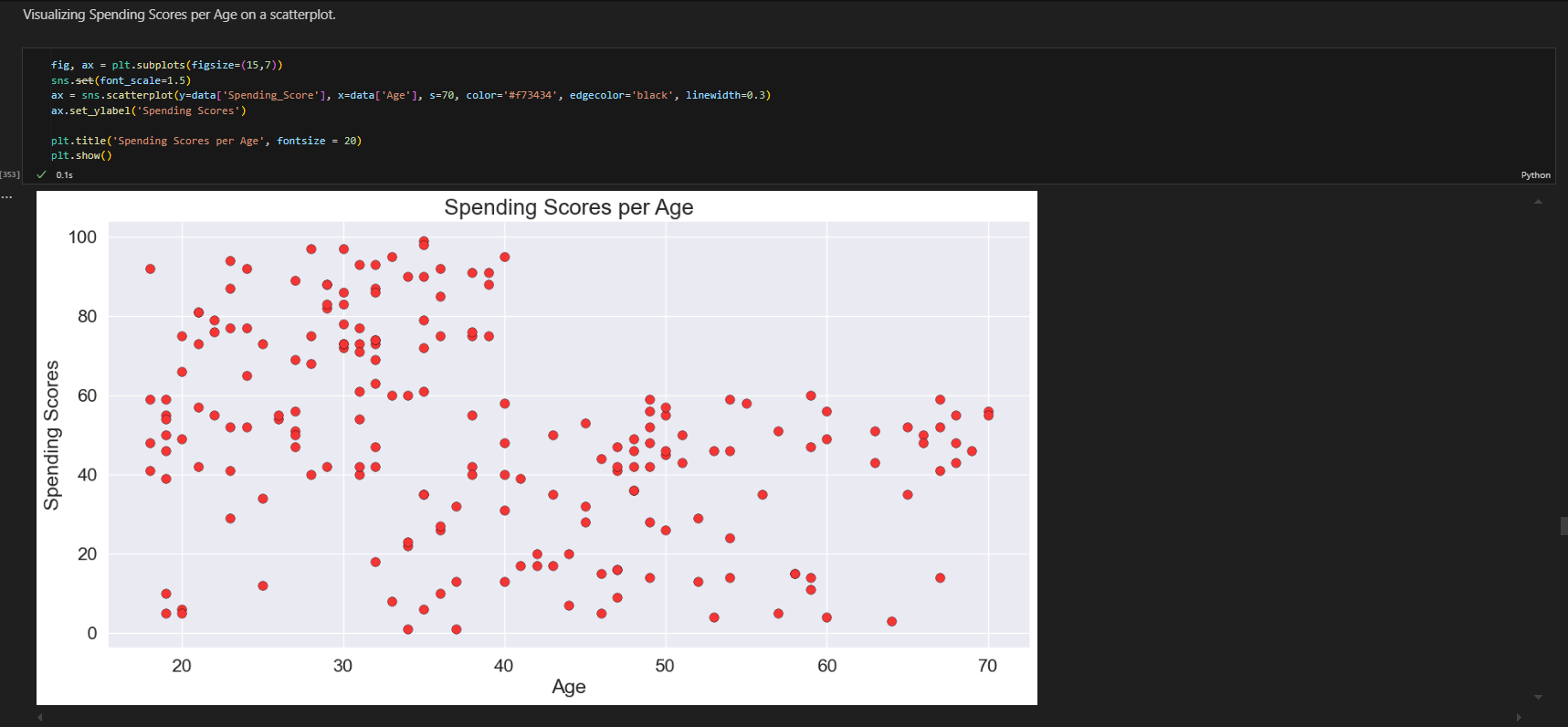
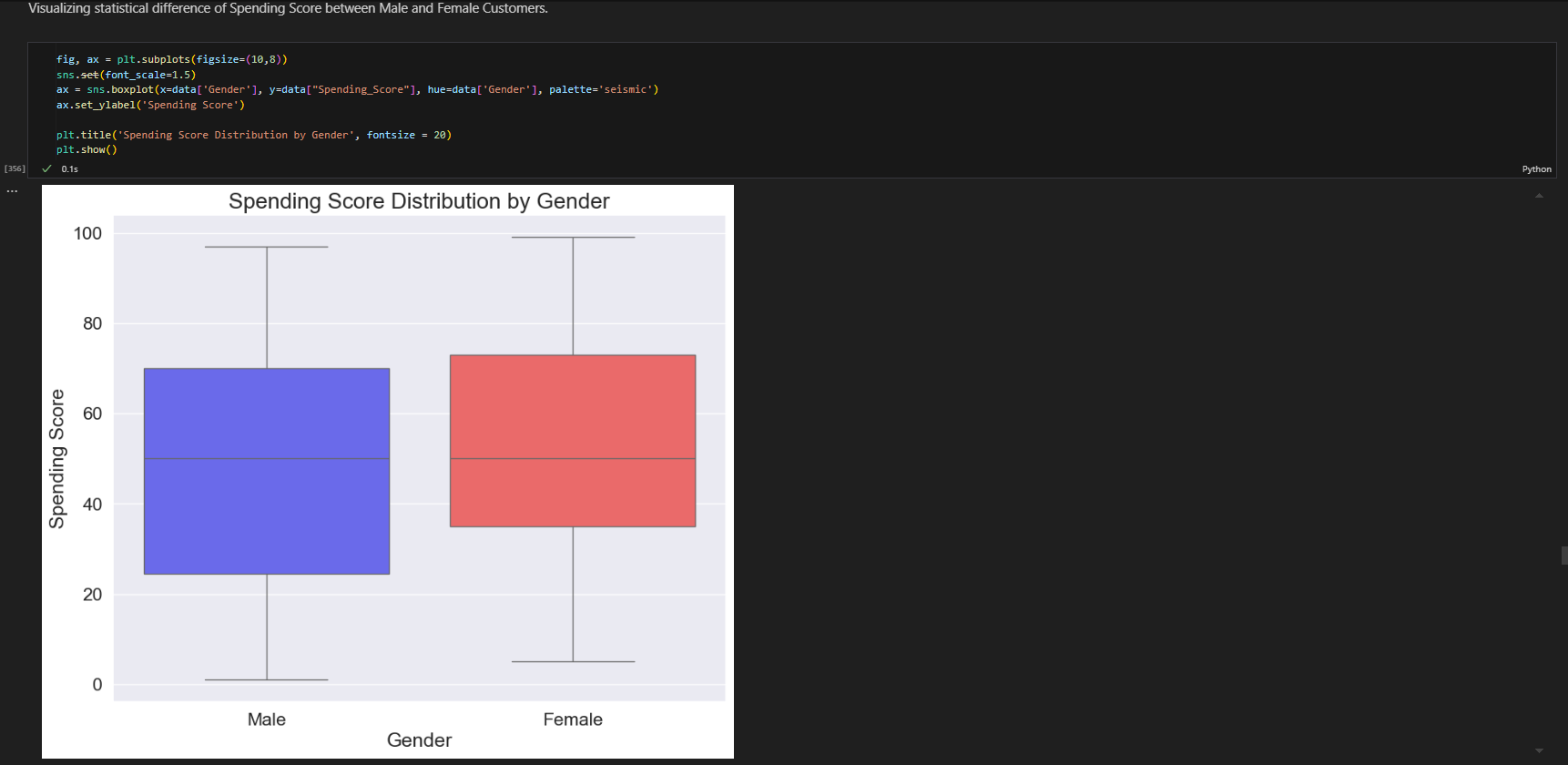
K-Means - EDA
K-Means - Elbow Method
K-Means - Clusters
K-Means - Visualization
K-Means - Results

Customer Segmentation Analysis using K-Means Clustering

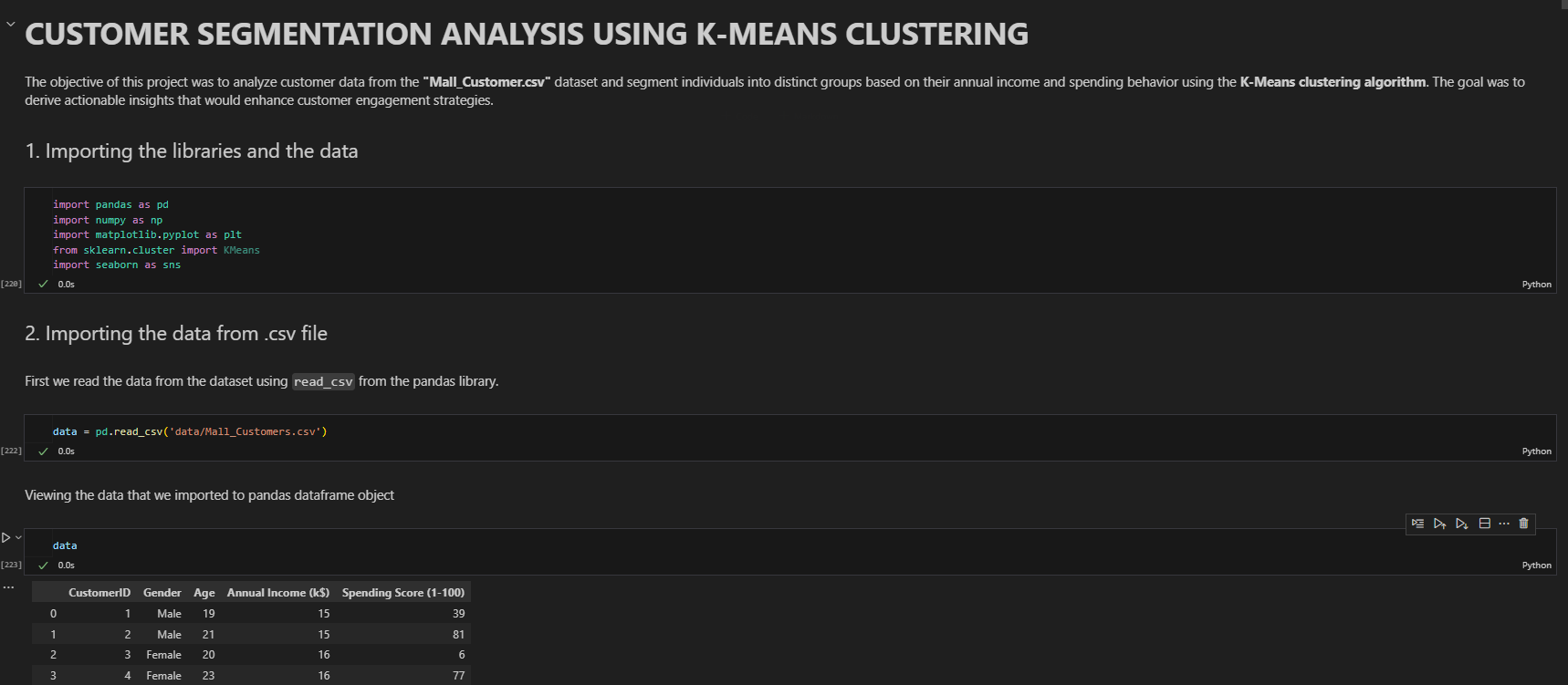
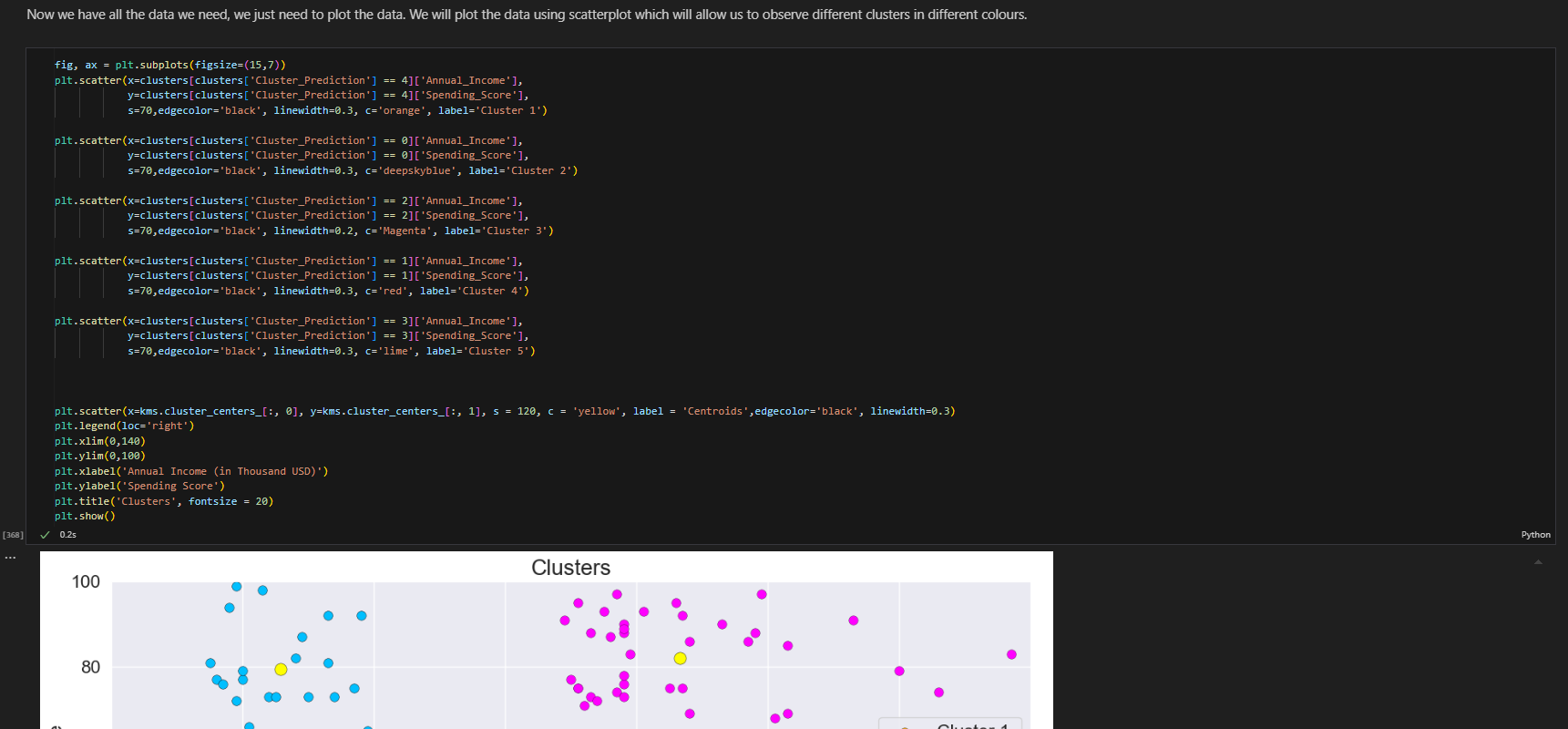
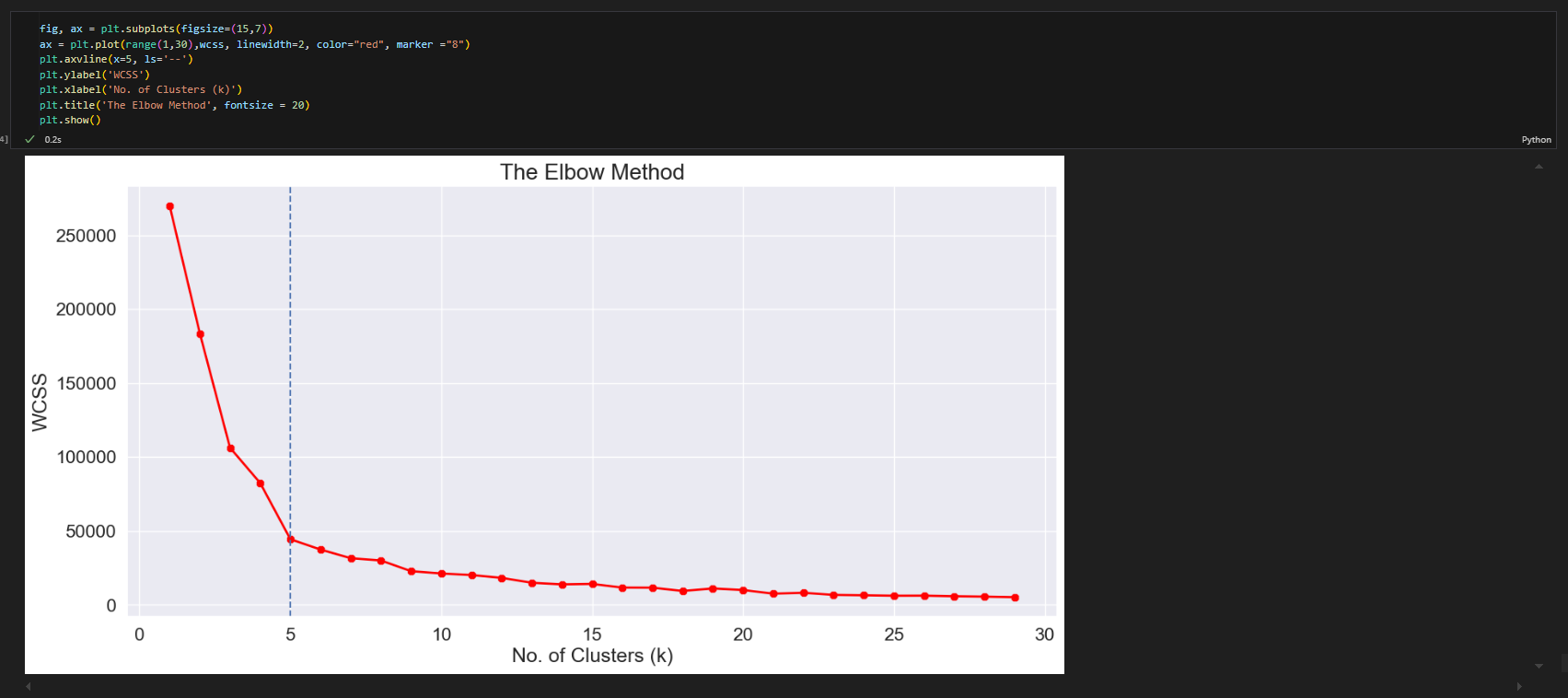
The objective of this project was to analyze customer data from the "Mall_Customer.csv" dataset and segment individuals into distinct groups based on their annual income and spending behavior using the K-Means clustering algorithm. The goal was to derive actionable insights that would help optimize customer engagement strategies.

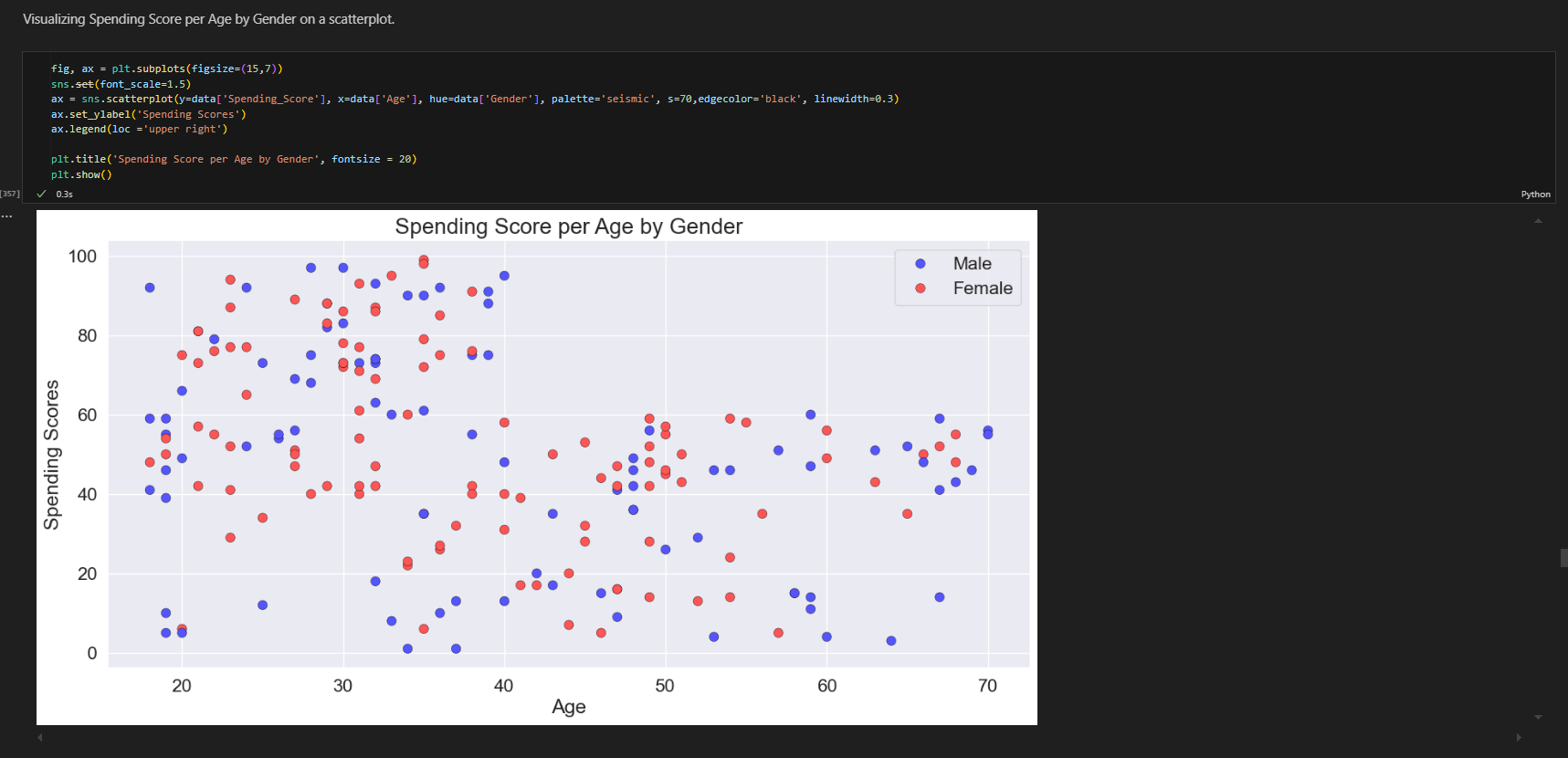
The project employed a series of machine learning techniques to gain valuable insights into customer behavior. The process began with data preprocessing to clean and prepare the dataset for analysis. This was followed by exploratory data analysis (EDA) to identify patterns and relationships within the data. The K-Means clustering algorithm was then implemented to group customers into clusters based on their annual income and spending habits.

Tools such as Python, Jupyter Notebook, Pandas, Matplotlib, and Seaborn were utilized for data manipulation and visualization. The clusters identified provided valuable insights into high-value customer groups, allowing businesses to tailor their engagement strategies more effectively.

Key Features:

  • Data preprocessing to clean and prepare the dataset for analysis.
  • Exploratory Data Analysis (EDA) to uncover patterns and insights in customer behavior.
  • Application of the K-Means clustering algorithm for customer segmentation based on income and spending patterns.
  • Use of Python, Pandas, Matplotlib, and Seaborn for data analysis and visualizations.
  • Identification of high-value customer clusters for enhanced engagement strategies.

Tools Used:

VS CodeVS Code
ExcelExcel
JupyterJupyter
PythonPython

Face Mask Detection with YOLOv8 & OpenCV

YOLO Face Mask - UI 1
YOLO Face Mask - UI 2
YOLO Face Mask - Detection
YOLO Face Mask - Results
YOLO Face Mask - Training
YOLO Face Mask - Metrics

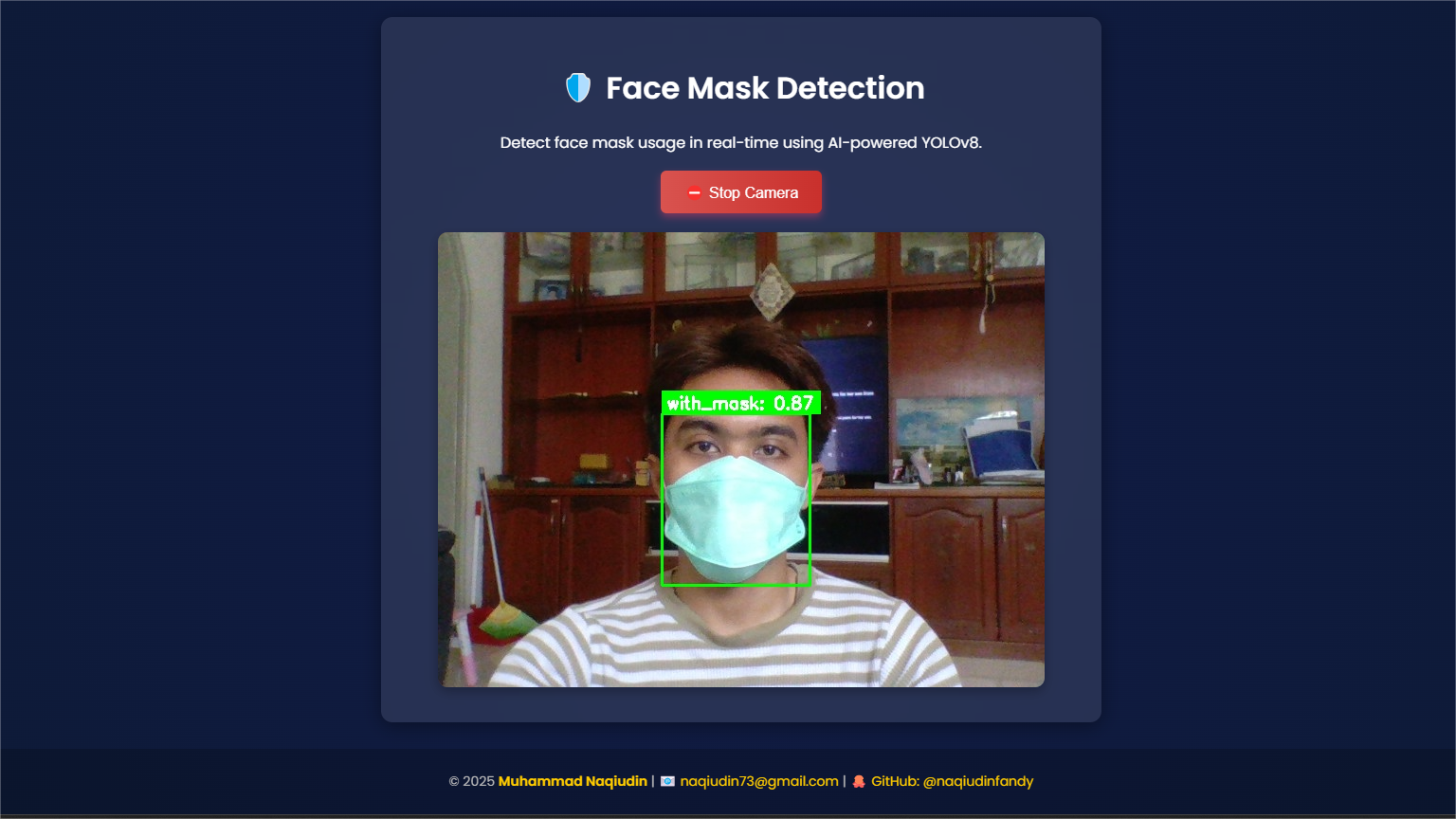
Real-Time Face Mask Detection System using YOLOv8 & OpenCV

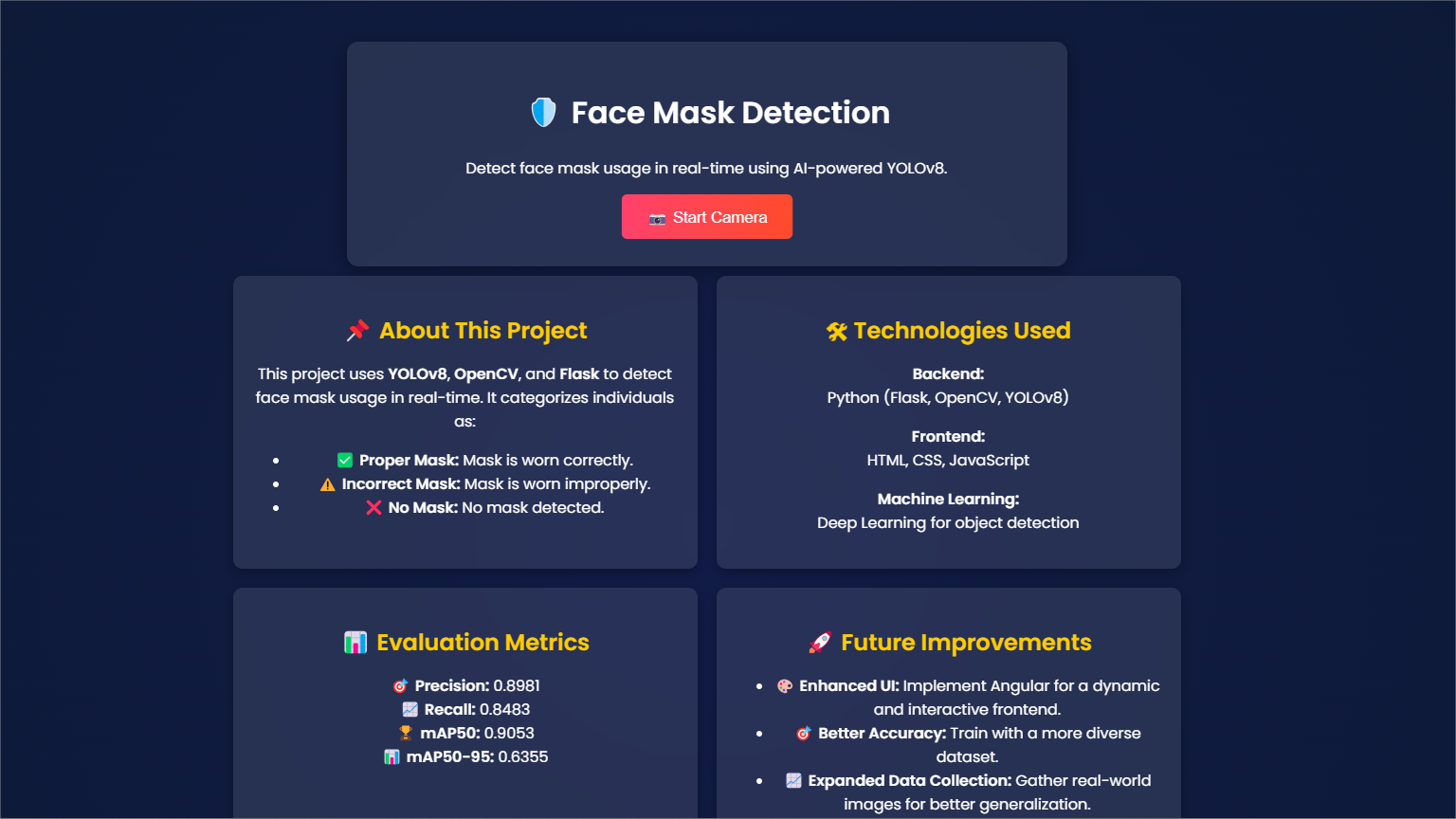
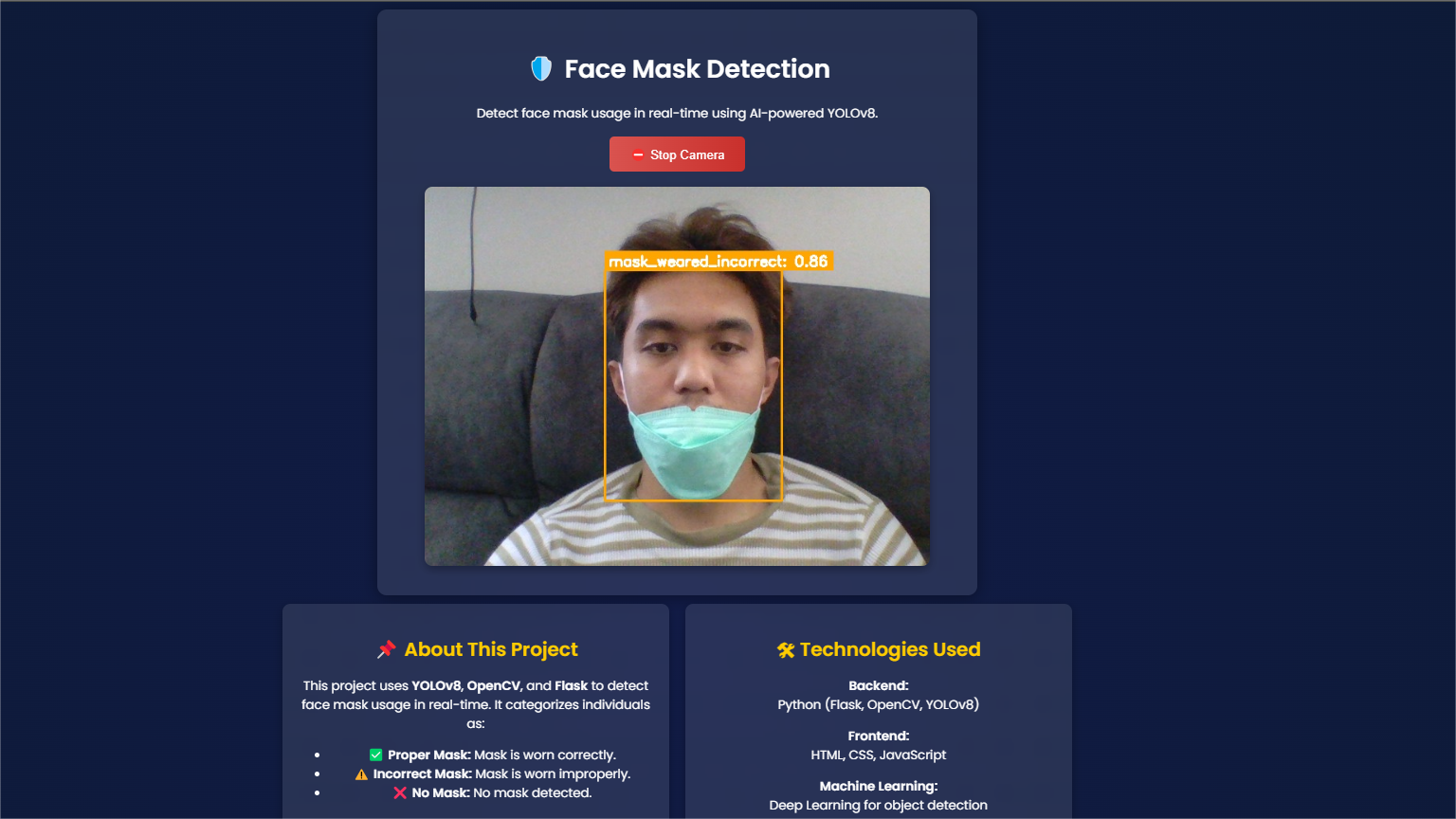
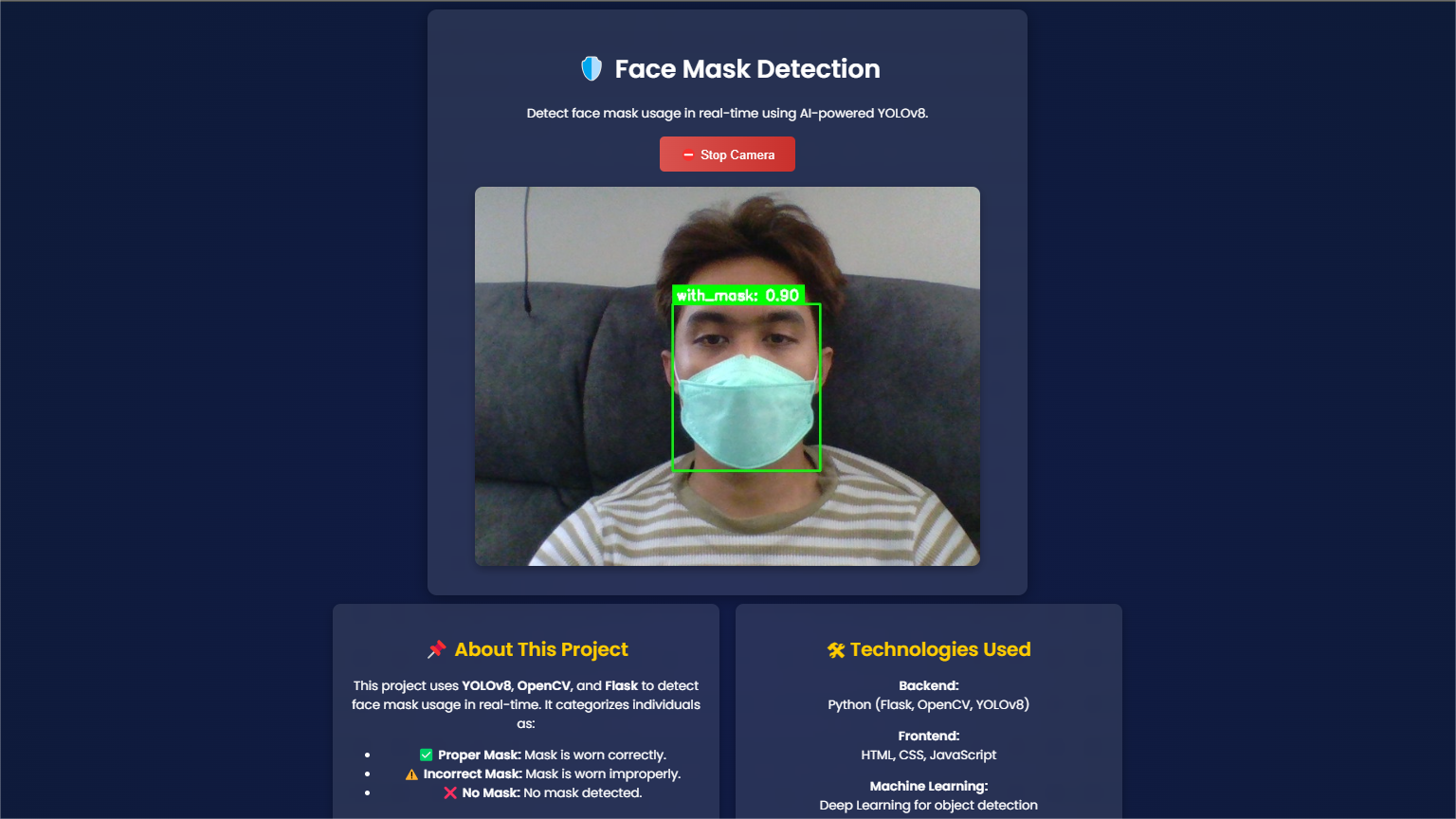
This project focuses on developing a real-time face mask detection system utilizing YOLOv8 and OpenCV. The model is trained to detect whether individuals are wearing a face mask correctly, wearing it improperly, or not wearing it at all. The system is designed to be deployed as a web-based application using Flask, providing an intuitive user interface for real-time mask monitoring.

The model classifies face mask compliance into three categories:

  • Good (Green): Properly worn face mask.
  • Moderate (Yellow): Incorrectly worn face mask.
  • Bad (Red): No face mask detected.

Key Features:

  • Real-time face mask detection using YOLOv8.
  • Live webcam detection with OpenCV.
  • Web-based system powered by Flask for easy access and monitoring.
  • Three-class mask detection with intuitive color-coded results.
  • Optimized detection with high accuracy and low latency.
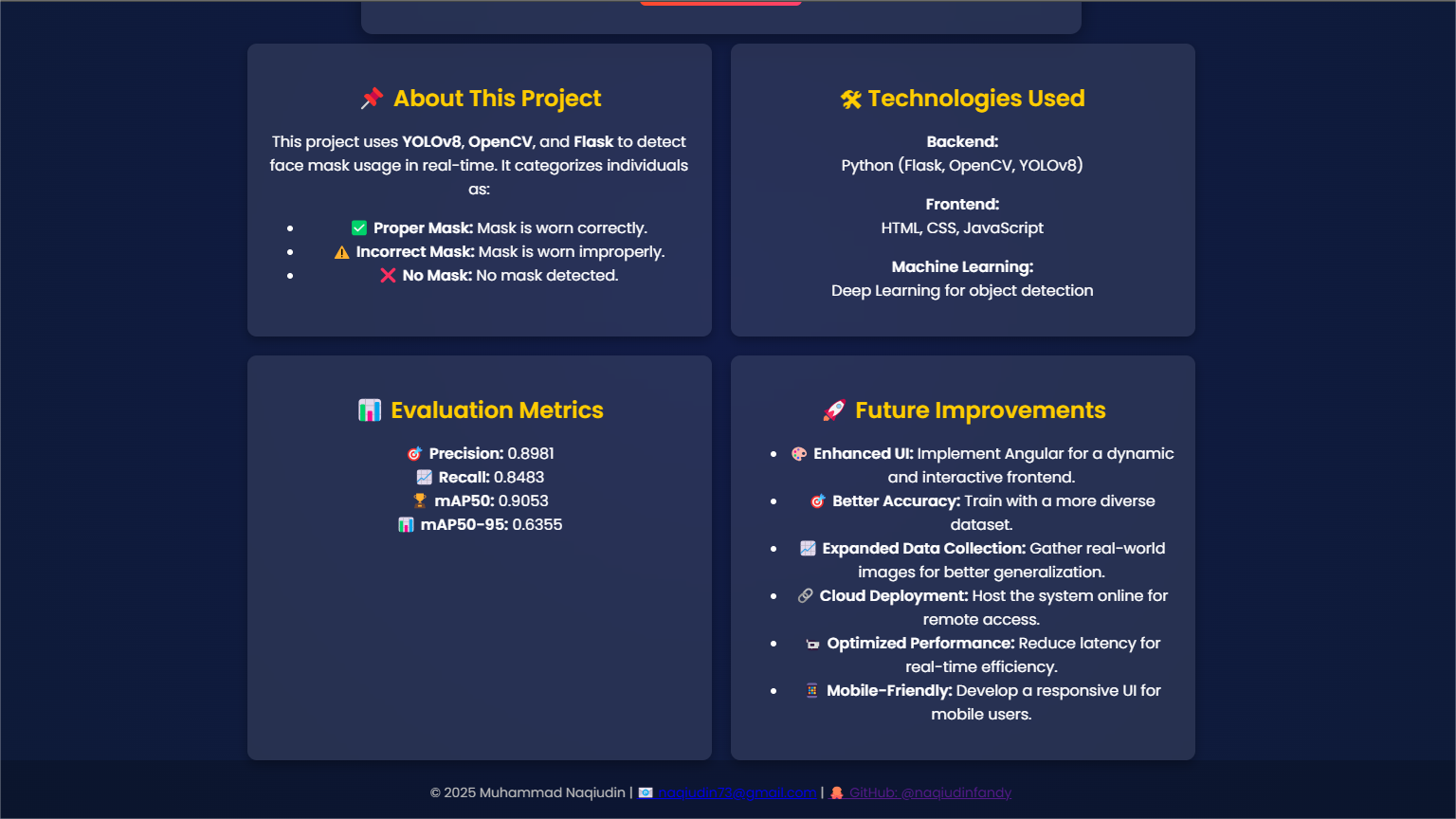
  • Evaluation Metrics — Precision: 0.8981, Recall: 0.8483, mAP50: 0.9053, mAP50-95: 0.6355

Repository: GitHub Repository →

Tools Used:

PythonPython
JavaScriptJavaScript
HTMLHTML
VS CodeVS Code
CSSCSS
JupyterJupyter
OpenCVOpenCV
YOLOv8YOLOv8
AnacondaAnaconda
FlaskFlask
TensorFlowTensorFlow
LabelImgLabelImg
RoboflowRoboflow

Web Development with Angular & REST API

Angular App - Login
Angular App - Home
Angular App - Products
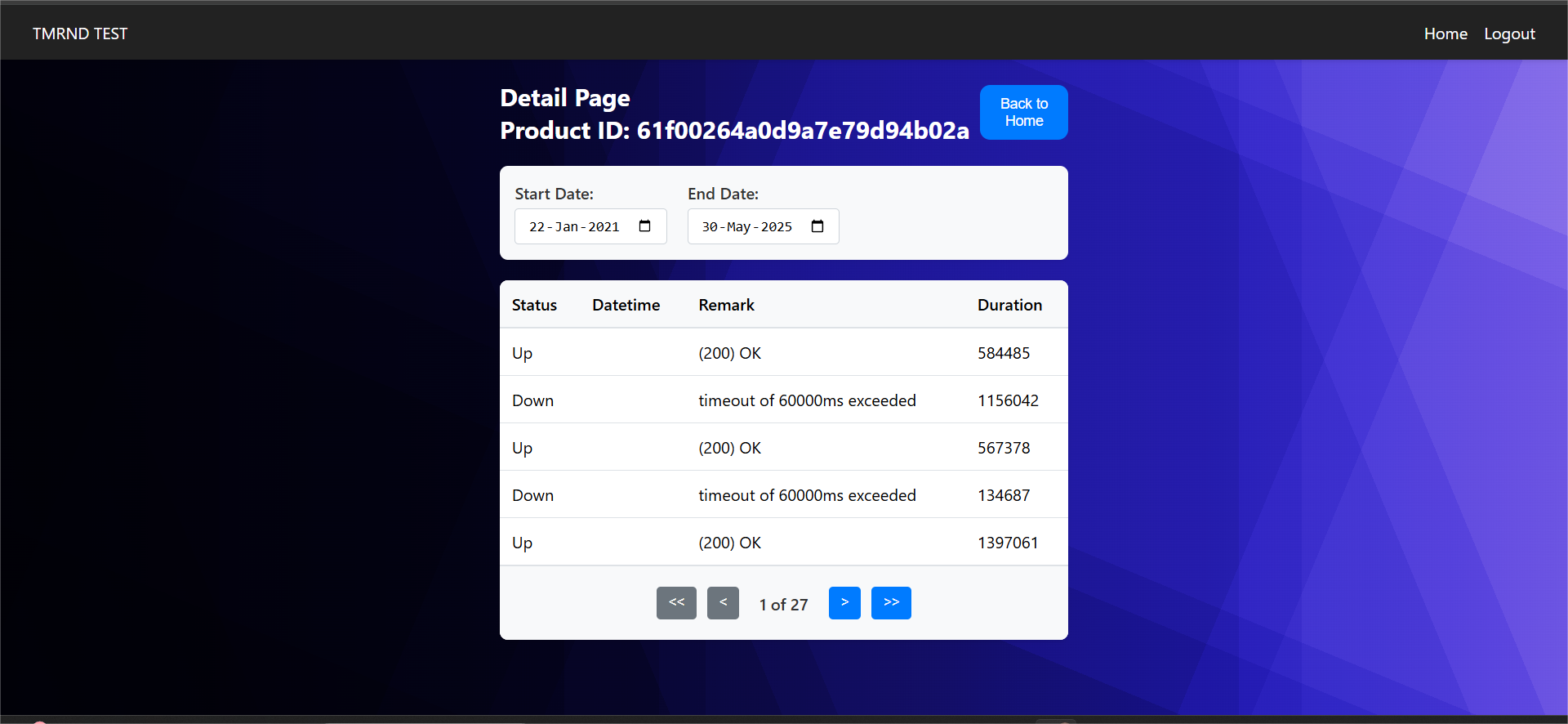
Angular App - Detail
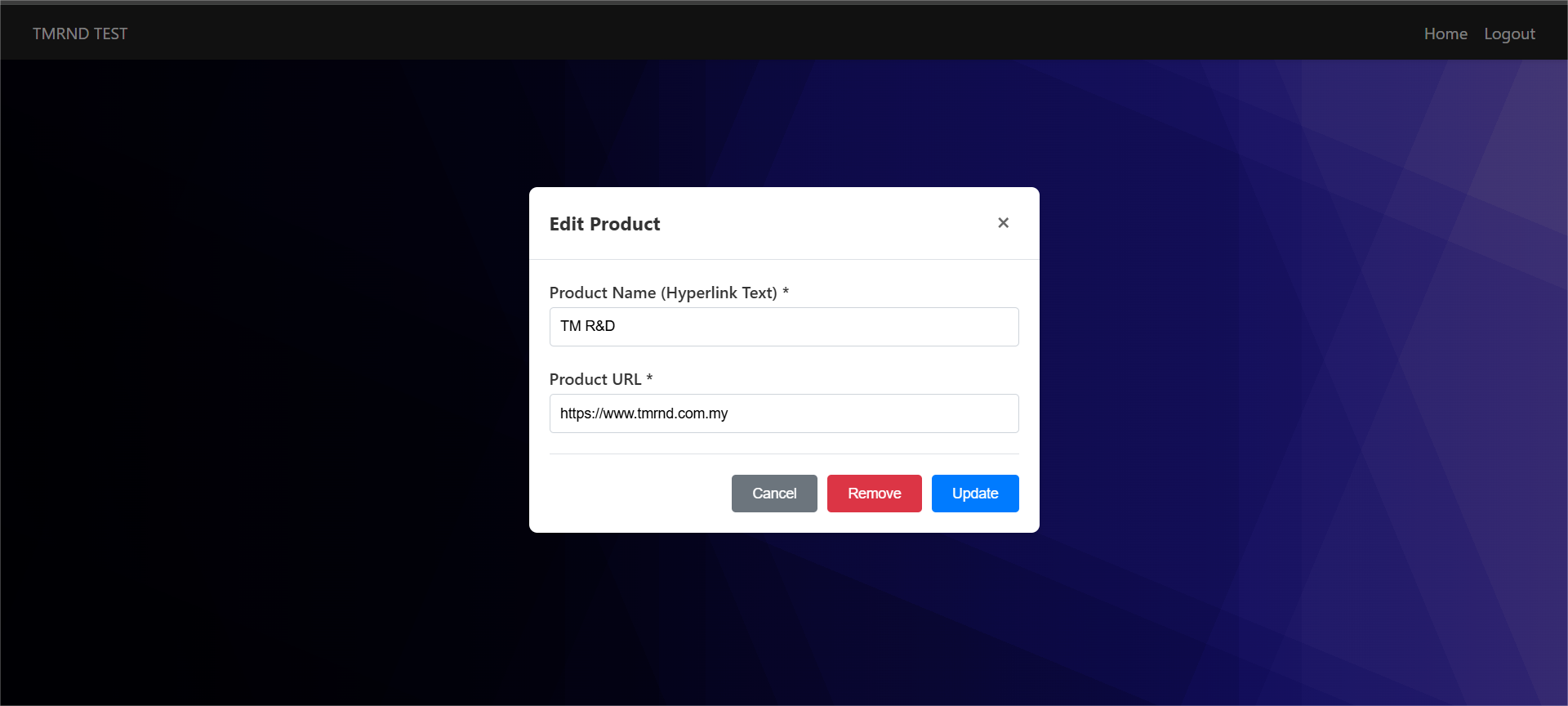
Angular App - Modal

Angular Authentication & Product Management System

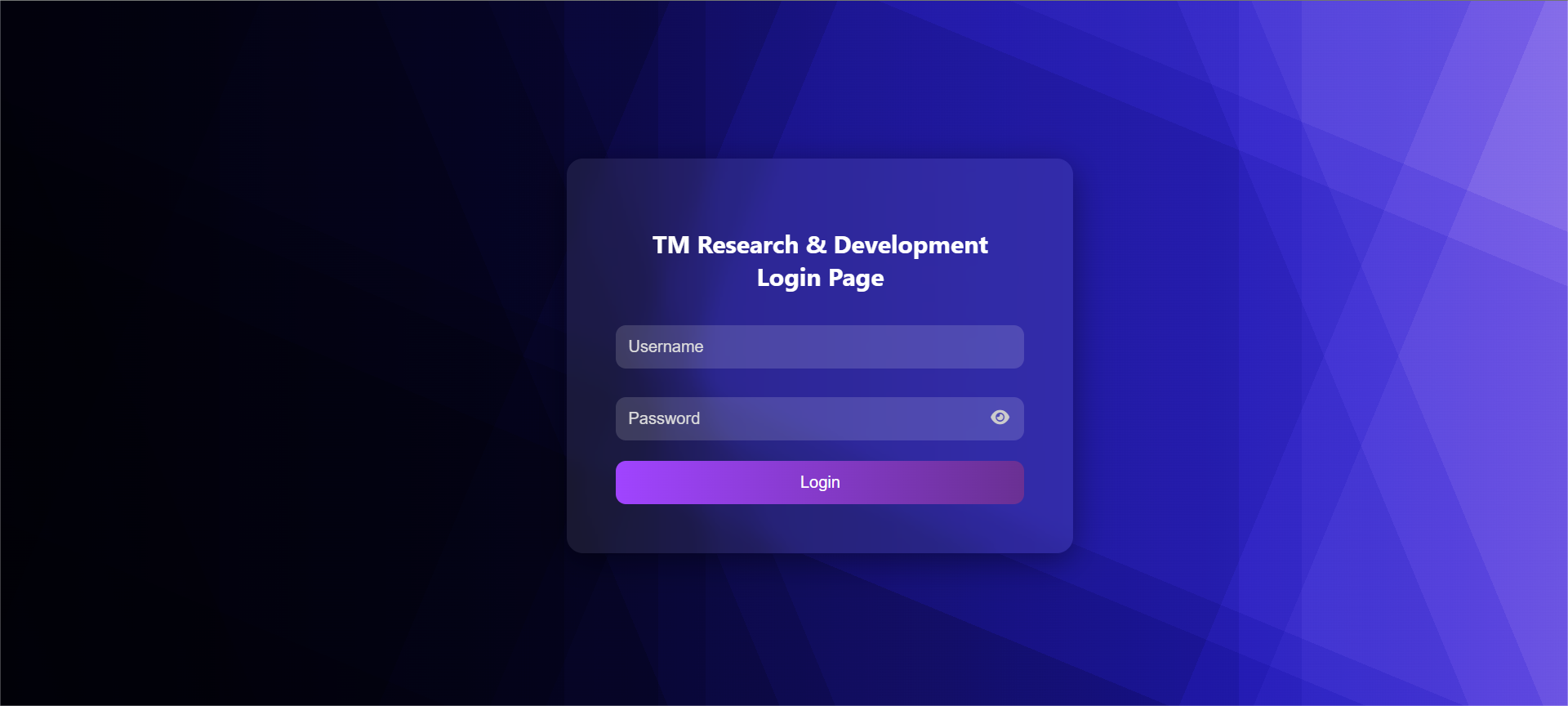
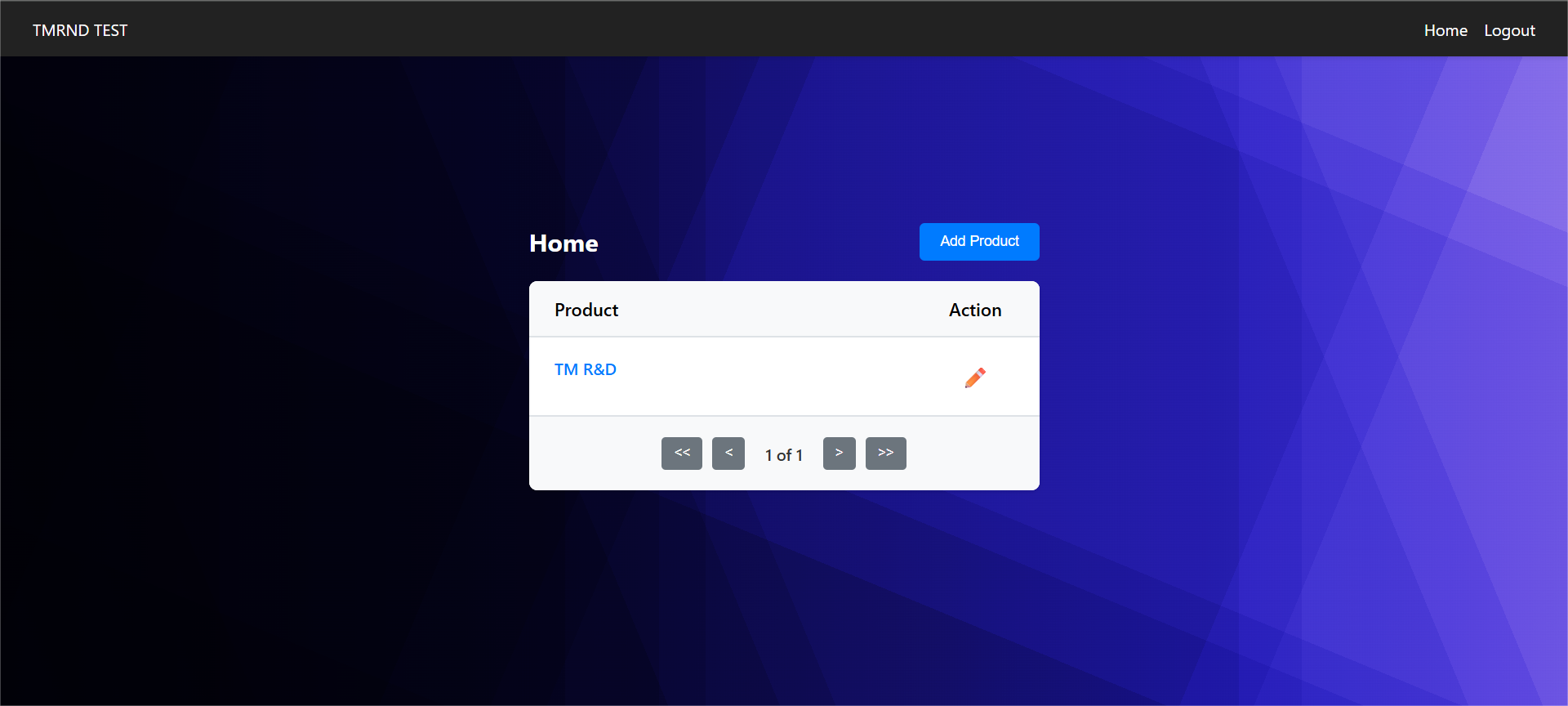
This project showcases a responsive and interactive web application built using Angular 18+ that utilizes a RESTful API for user authentication and product data handling. The application features three core modules: Login Page, Home Page, and Detail Page — each with modern UI elements and client-side state management.

🔐 Login Page

  • Authenticates user via POST request to the provided API endpoint.
  • Only valid credentials allow access.
  • Upon success, token is stored and used for authenticated routes.
  • Unauthorized access redirects back to login.

🏠 Home Page (Product List)

  • Displays a table of products retrieved from API using bearer token.
  • Each product row includes a clickable product name and edit icon.
  • Access is restricted to authenticated users only.
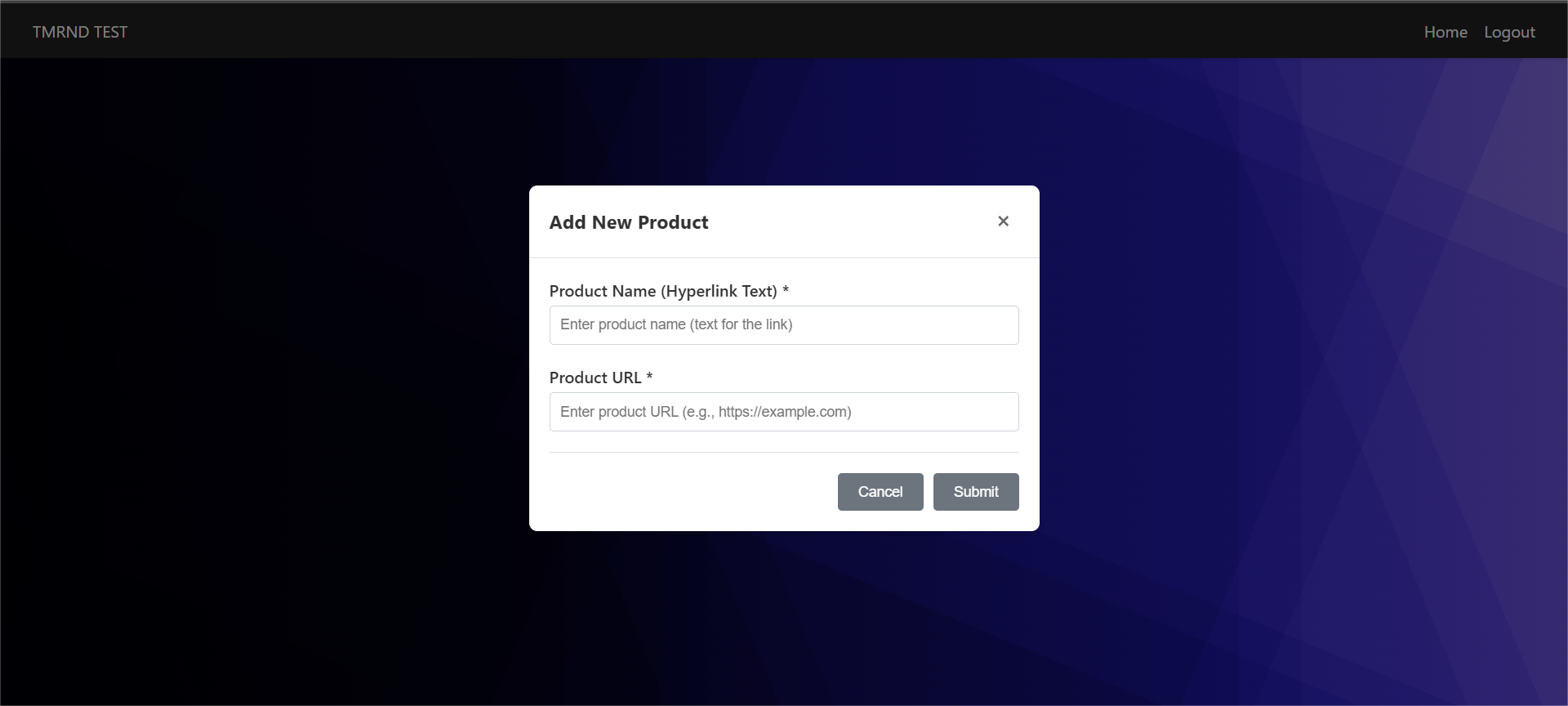
  • Add Product: Modal form with required fields; submit disabled if incomplete.
  • Edit/Remove: Edit opens modal with pre-filled info; changes update in-place.

📄 Detail Page

  • Accessed by clicking on product name in Home Page.
  • Product ID passed via route path parameter.
  • Displays paginated table with date filters (default yesterday → today).
  • Pagination and data range updates dynamically and asynchronously.
  • Valid data range: 25 Jan 2022 – 16 Feb 2022.

Tools Used:

AngularAngular 18
TypeScriptTypeScript
HTMLHTML
CSSCSS
JavaScriptJavaScript
VS CodeVS Code
GitLabGitLab
REST APIREST API